
Real-time video dubbing
Play any video and hear it dubbed instantly in the language you choose, with natural voices and lip-aware pacing.
 AnyDub
AnyDub dubs any video or live call into 70+ languages in real time, directly in your browser.
Works on YouTube, Netflix, Zoom, and any site with audio.
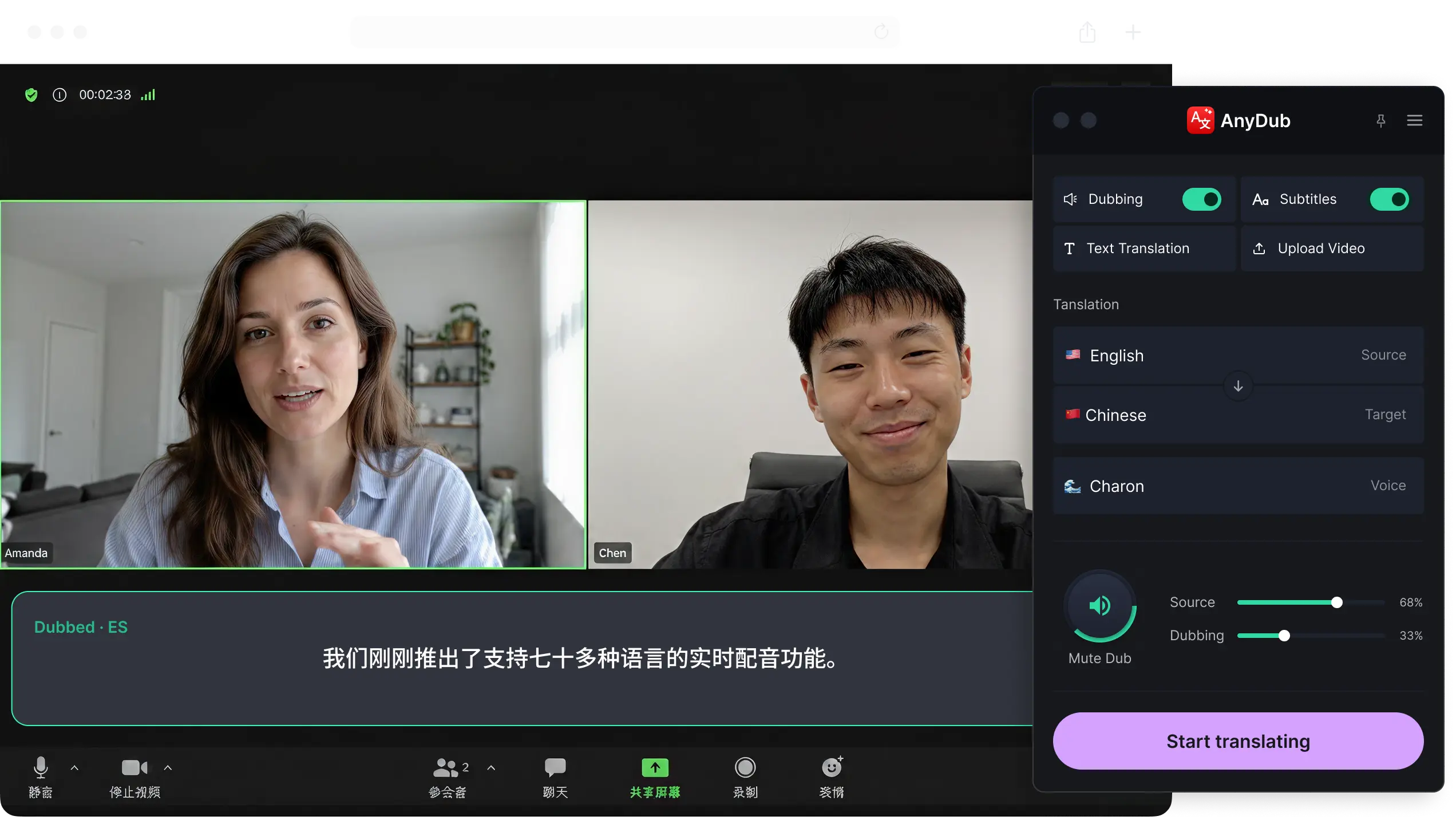


Play any video and hear it dubbed instantly in the language you choose, with natural voices and lip-aware pacing.
Talk on Zoom, Meet or Teams and have every sentence dubbed for the other side with sub-second delay.
Blend the original voice underneath the translated track at any level, from fully muted to fully audible.
From Spanish to Mandarin, Arabic to Japanese, every language supported out of the box, no setup needed.
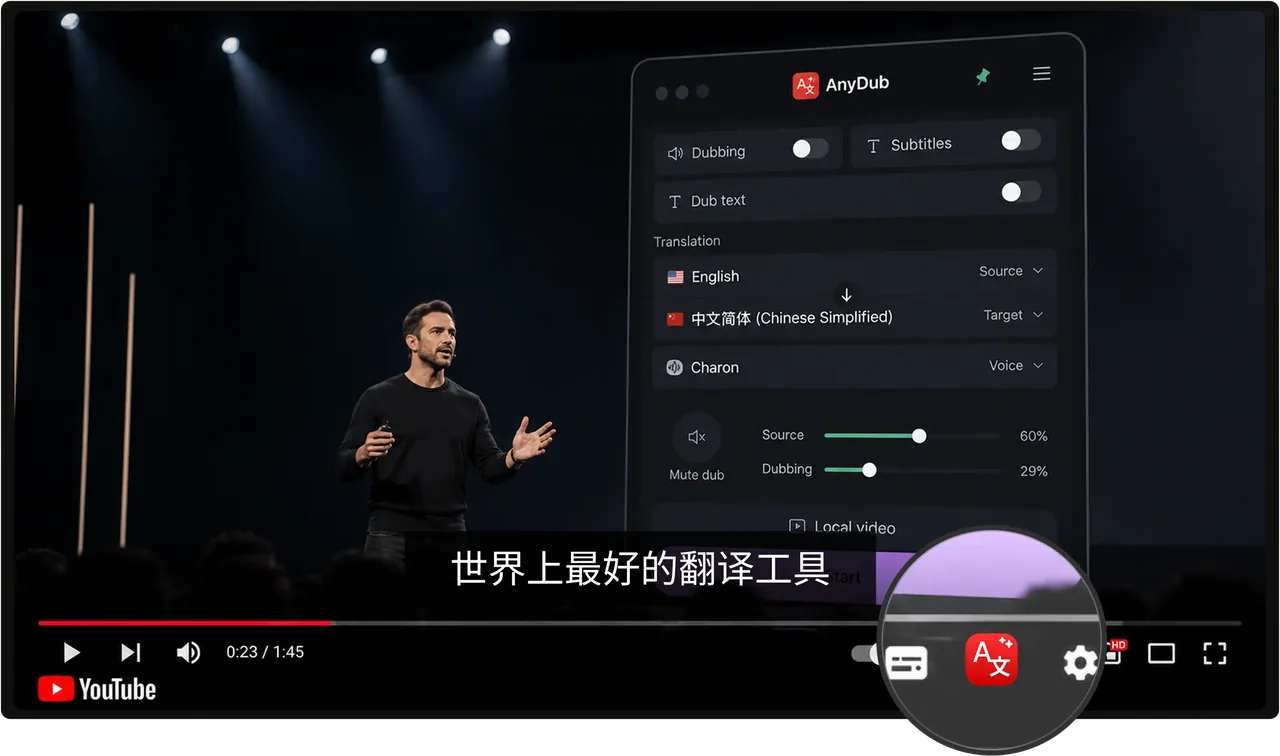
One click activates real-time translation, captions appear directly inside YouTube, in the language you've set.
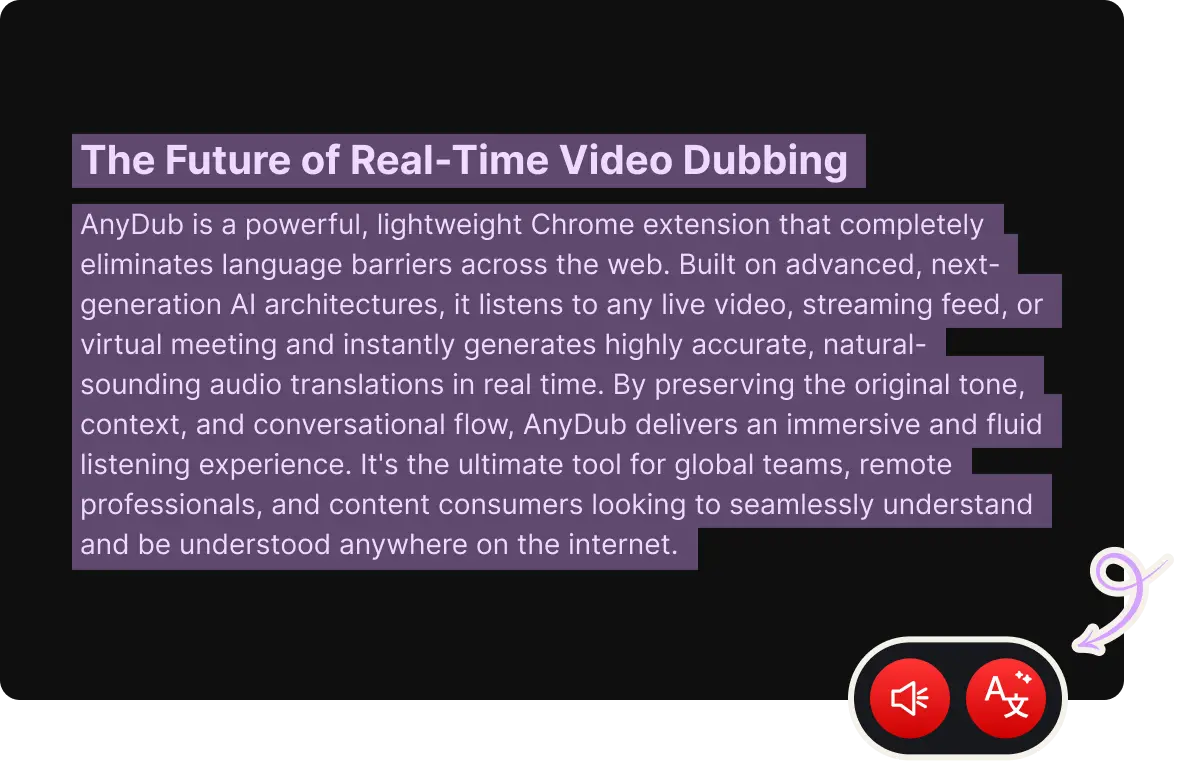
Select any text on the page, click our button, and listen to it spoken in the language you chose.
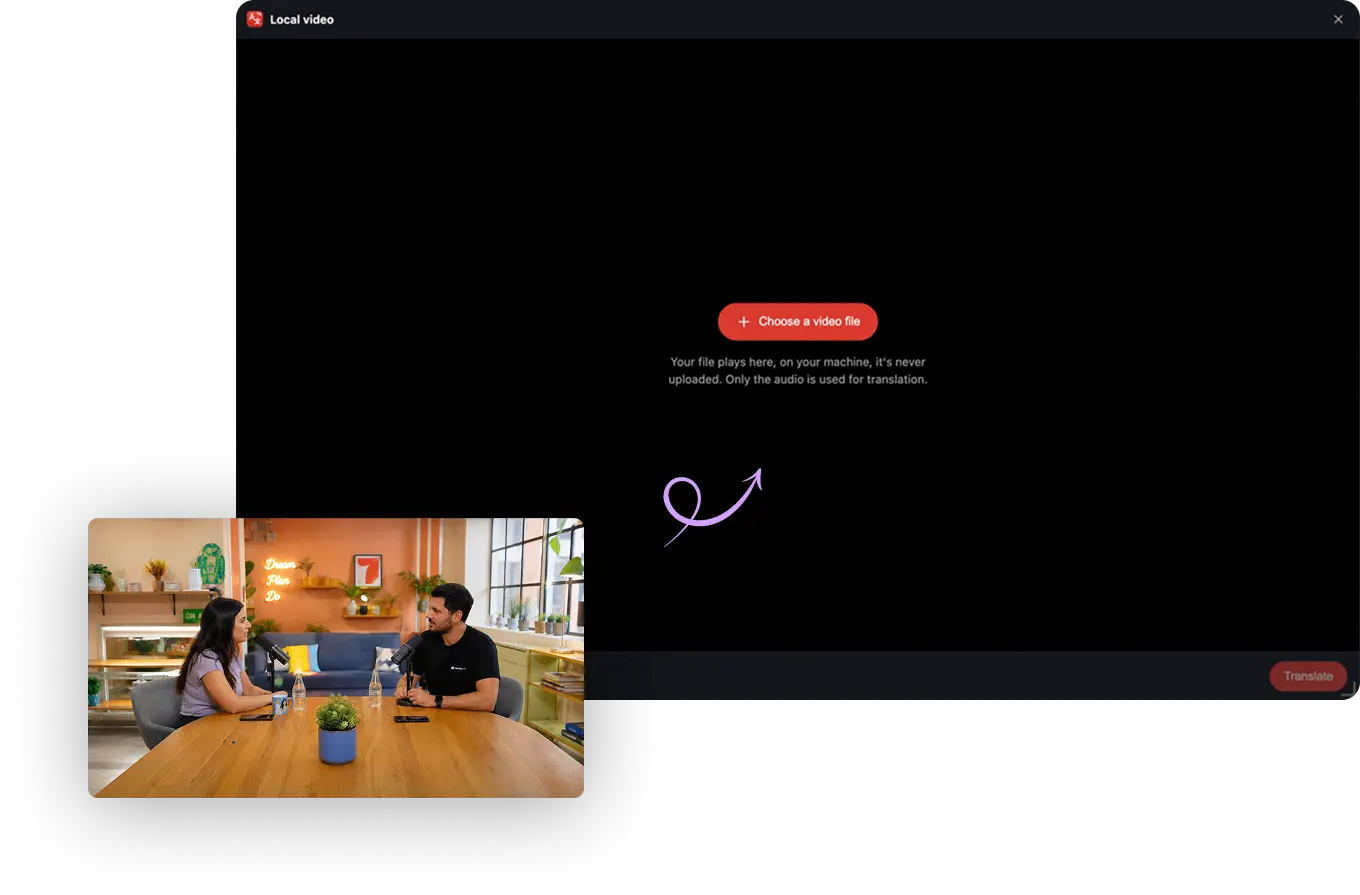
Upload any video from your computer and translate subtitles or dub it instantly, everything runs locally on your device, never uploaded, never stored.
Articles, messages, posts, paste any content, get it in your tone, and save it to your device in one click.
AnyDub is one extension, but the job changes depending on what is playing. These pages cover the cases people ask about most.
AnyDub supports 70+ languages across real-time dubbing, translated speech, subtitles, and text playback, including Spanish, Mandarin, Arabic, Hebrew, Japanese, Hindi, and many more.
AnyDub works on YouTube, Netflix, Zoom, Google Meet, Microsoft Teams, and many other browser-based video or audio experiences. It also supports local video playback from your computer.
Live call translation is designed for natural back-and-forth conversation, with a short delay that is typically under a second depending on connection quality, device performance, and the languages involved.
Yes. A built-in mixer lets you blend the source voice underneath the translated track at any volume, from fully muted to fully audible.
With an active plan, you can buy a one-time extra-minute pack. Plan minutes are used first. New top-up balances remain available for 90 days from the most recent top-up purchase.
Your local video file stays on your device. AnyDub processes only the audio needed for translation, and the site states that local video files are not uploaded or stored by AnyDub.
Install the extension, pick a language, and you are live.
Install on ChromeUse the same account as your AnyDub extension.
We sent a code to