
Both sides install AnyDub
It is a Chrome extension on each person's own machine, not a meeting add-on.
 AnyDub
Each person installs AnyDub, each person picks the language they want to hear, and the conversation runs in both directions at once. No shared bot, no meeting host to configure, no recording sitting on somebody else's server.
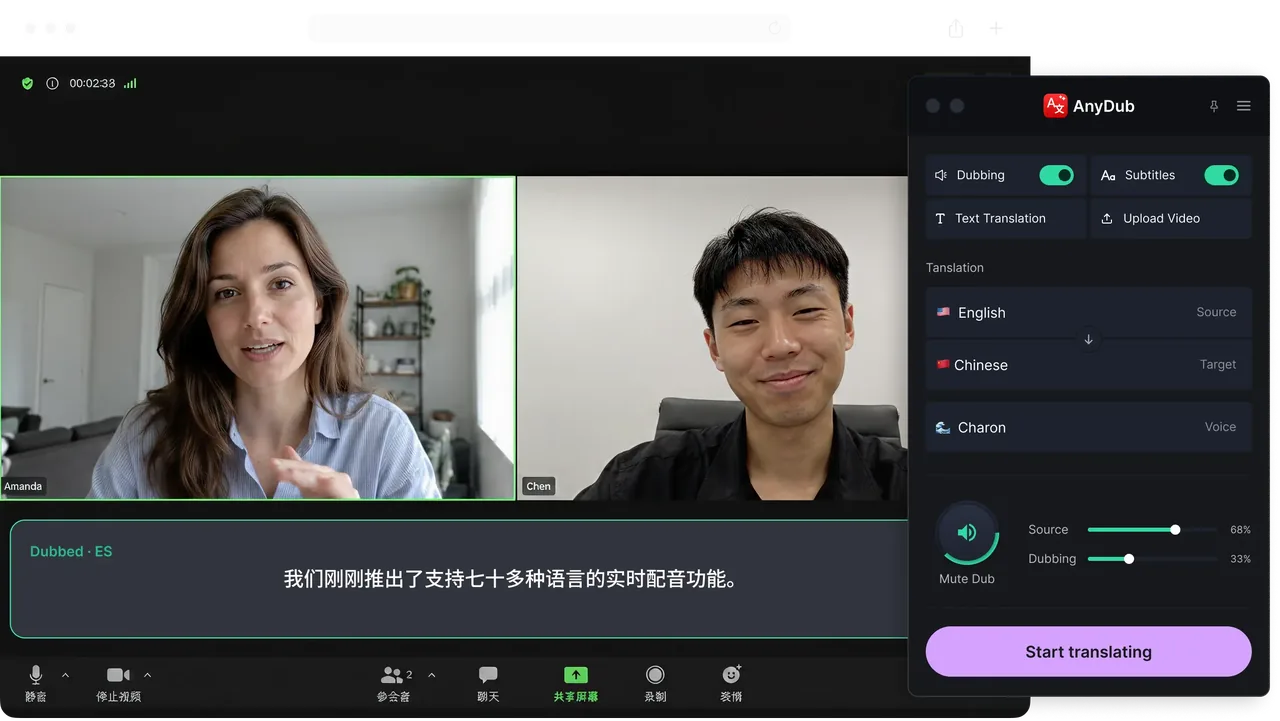
It is a Chrome extension on each person's own machine, not a meeting add-on.
You choose what you hear. They choose what they hear. The two settings are independent.
Each side hears the other in their language roughly a second behind, and nobody switches to a second language.
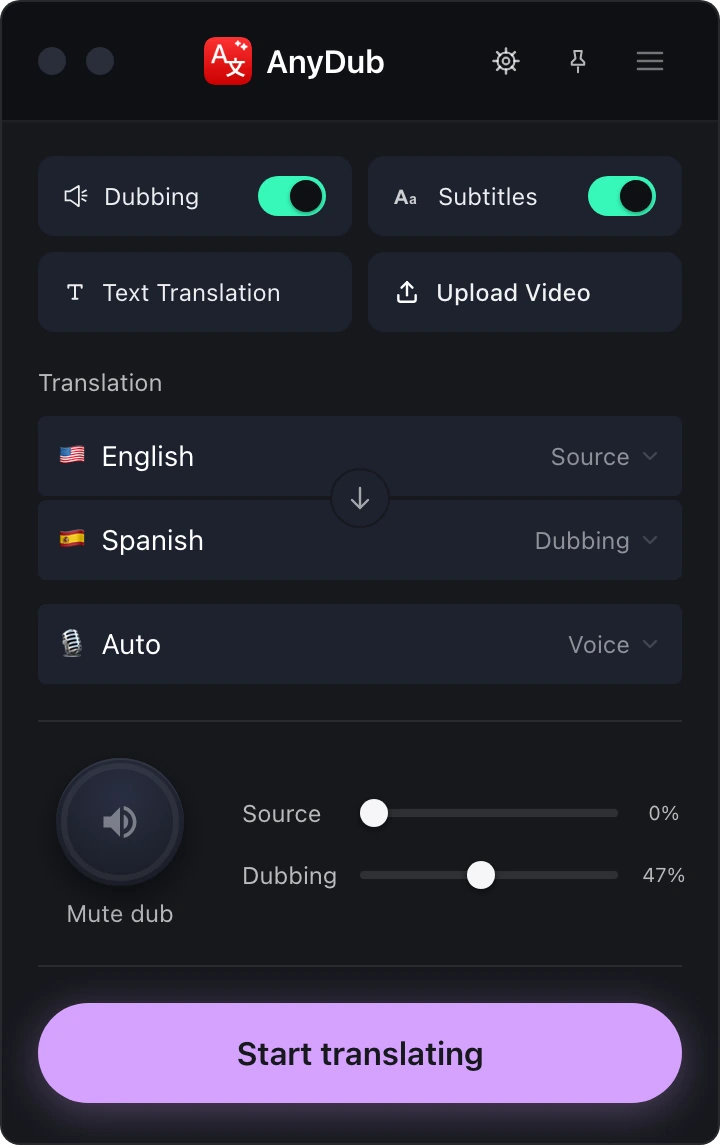
Most meeting translation products dial a participant into the call to capture audio. That participant shows up in the attendee list, needs admitting, gets blocked by corporate policy, and creates a recording you did not ask for.
AnyDub sits in the browser next to the call. The other participants see a normal meeting with normal attendees, because that is what it is.
Install on ChromeA single shared meeting language forces at least one person to work in their second language, which is where nuance and negotiating position quietly go missing. Two-way translation removes the choice. Your side runs in your language, their side runs in theirs, and neither of you is performing.
It also works one-sided. If only you install AnyDub, you still get everything the other person says translated for you. The second install just makes it mutual.
Install on ChromeAnything slower than about a second stops being dialogue and turns into consecutive interpreting, where each side waits its turn. AnyDub is tuned for the interruption, the half sentence, and the yes I know where this is going, which is what actual conversation is made of.
The original voice stays available underneath at whatever volume you set, so you keep tone and timing while reading or hearing the translation.
Install on Chrome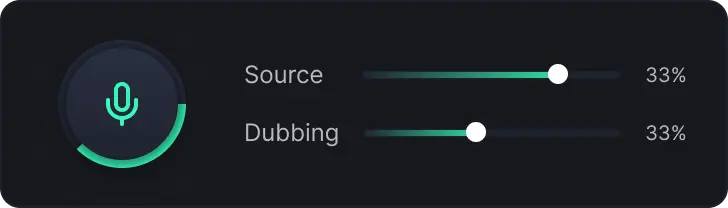
Hiring interviews are the clearest example. A candidate assessed in their third language interviews worse than they work, and everyone in the room knows it and does it anyway because there is no alternative. There is now.
Support and vendor calls are the highest volume case. A technical problem described precisely in the speaker's own language and translated is far more useful than the same problem described approximately in English.
And there are the calls that currently do not happen at all, because scheduling an interpreter for a twenty minute conversation is not worth it. Those are the ones this changes most.
Platform specifics are on the Zoom, Google Meet and live meeting pages.
No, but it helps. With one install you understand them. With two, each side hears the other in their own chosen language and neither has to switch.
No. AnyDub runs in your browser next to the meeting, so nothing extra appears in the participant list and no host approval is needed.
Zoom in the browser, Google Meet, Microsoft Teams, Webex, and any other call that runs in a Chrome tab.
Typically under a second, which is short enough to interrupt and be interrupted normally.
Yes. The settings are per person, so a call can run English on one side and Japanese on the other.
AnyDub processes the audio needed to translate and does not require a recording of your meeting to work.
Install the extension, pick a language, and you are live.
Install on Chrome