
Add AnyDub to Chrome
Free to install and free to try. No account needed for the first session.
 AnyDub
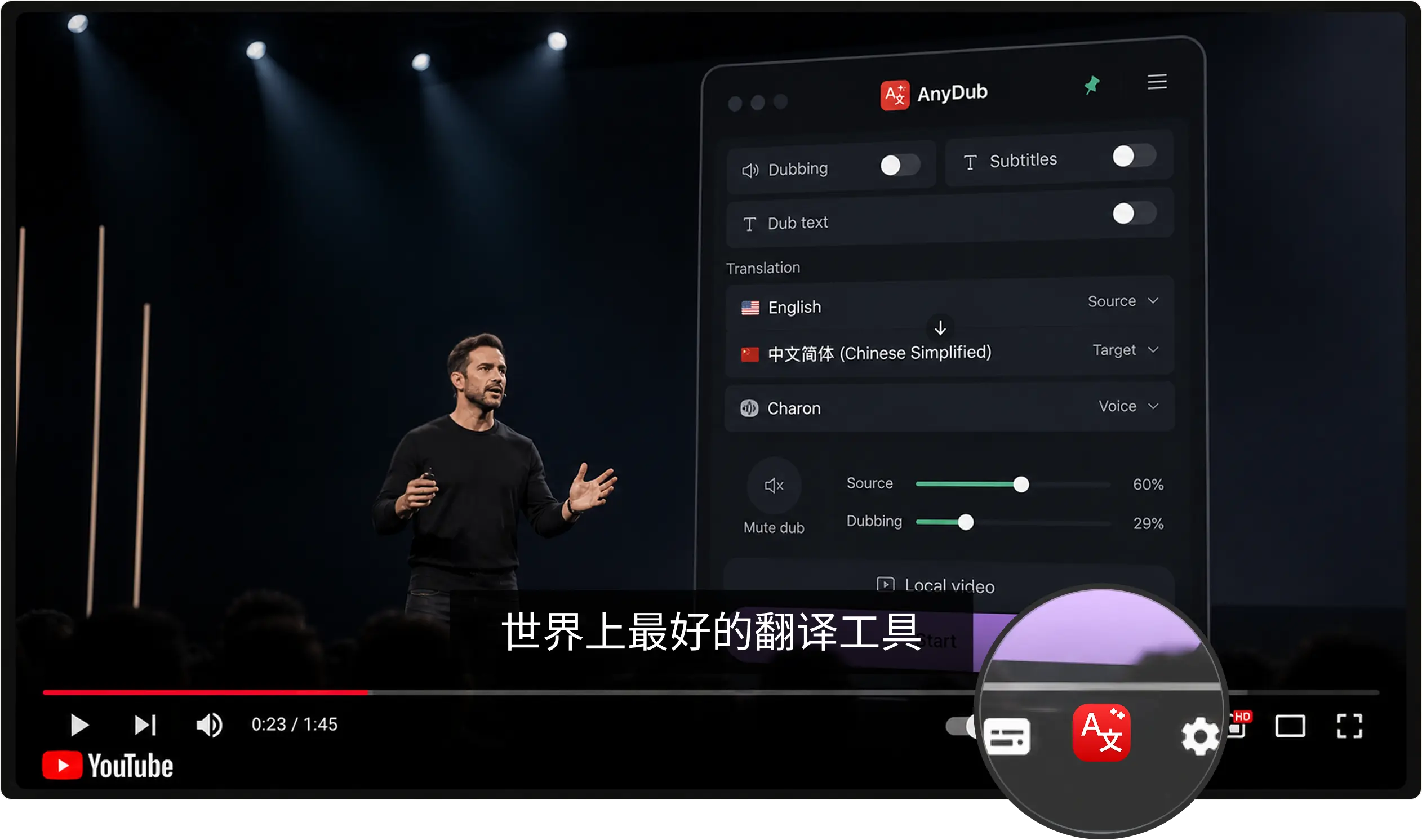
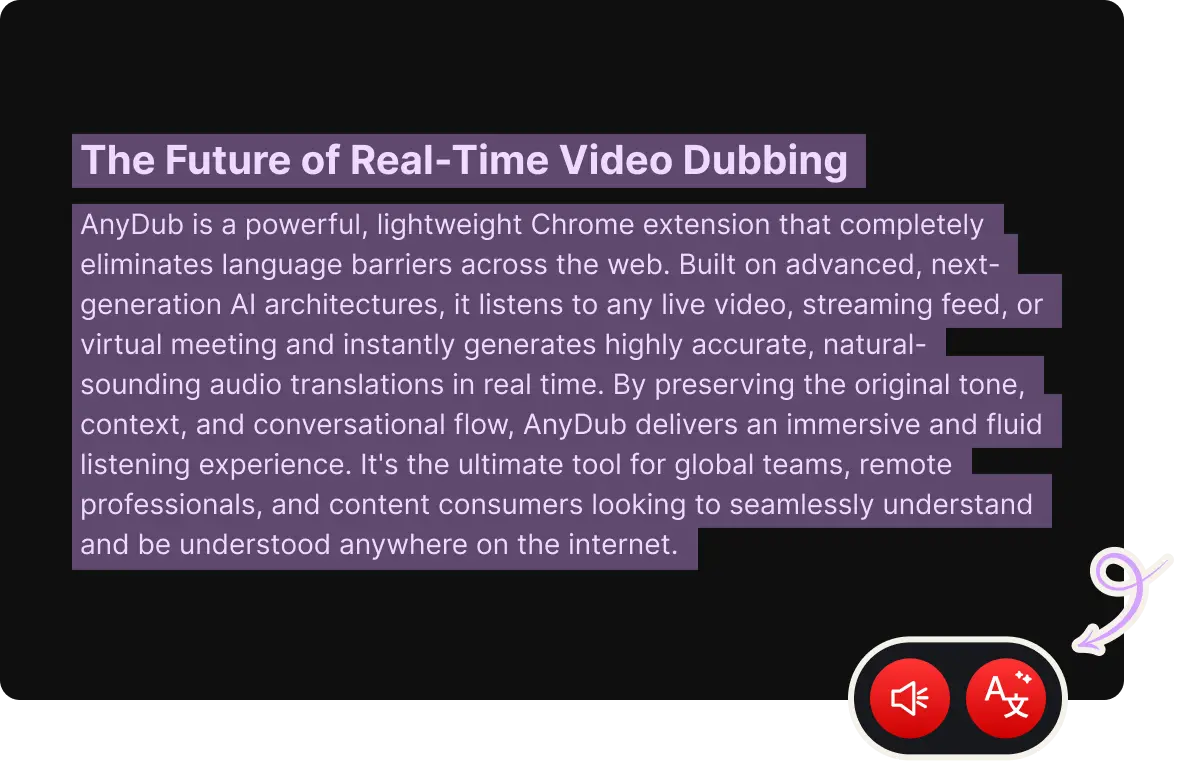
Point AnyDub at any Spanish video or call and get English back in about a second. Subtitles inside the player, a spoken English track over the original, or both. It runs as a Chrome extension on the page you are already on.
Free to install and free to try. No account needed for the first session.
YouTube, a news stream, a recorded webinar, or a file from your own computer.
Then pick subtitles, spoken dubbing, or both together.
Rioplatense with its sh sound, Caribbean Spanish that drops final consonants, Chilean speed, Andalusian elision, and the careful Spanish of a Madrid newsreader are all one language and nothing alike to listen to. AnyDub works from the audio, so you do not pick a country before you press play.
That matters most on the content people actually watch: football commentary, regional news, and streamers who never slow down.
Install on ChromeTraditional dubbing tools ask for the file, process it, and hand you a download some minutes later. That is fine for a finished project and useless for a three hour stream you want to follow now. AnyDub starts translating from the moment you press play and stops when you close the tab, so length costs you nothing but minutes on your plan.
Install on ChromeSpanish course material, a recorded interview, a downloaded episode: open it in AnyDub and it plays locally. The video file is not uploaded and not stored. Only the audio needed for translation leaves your device.
Install on Chrome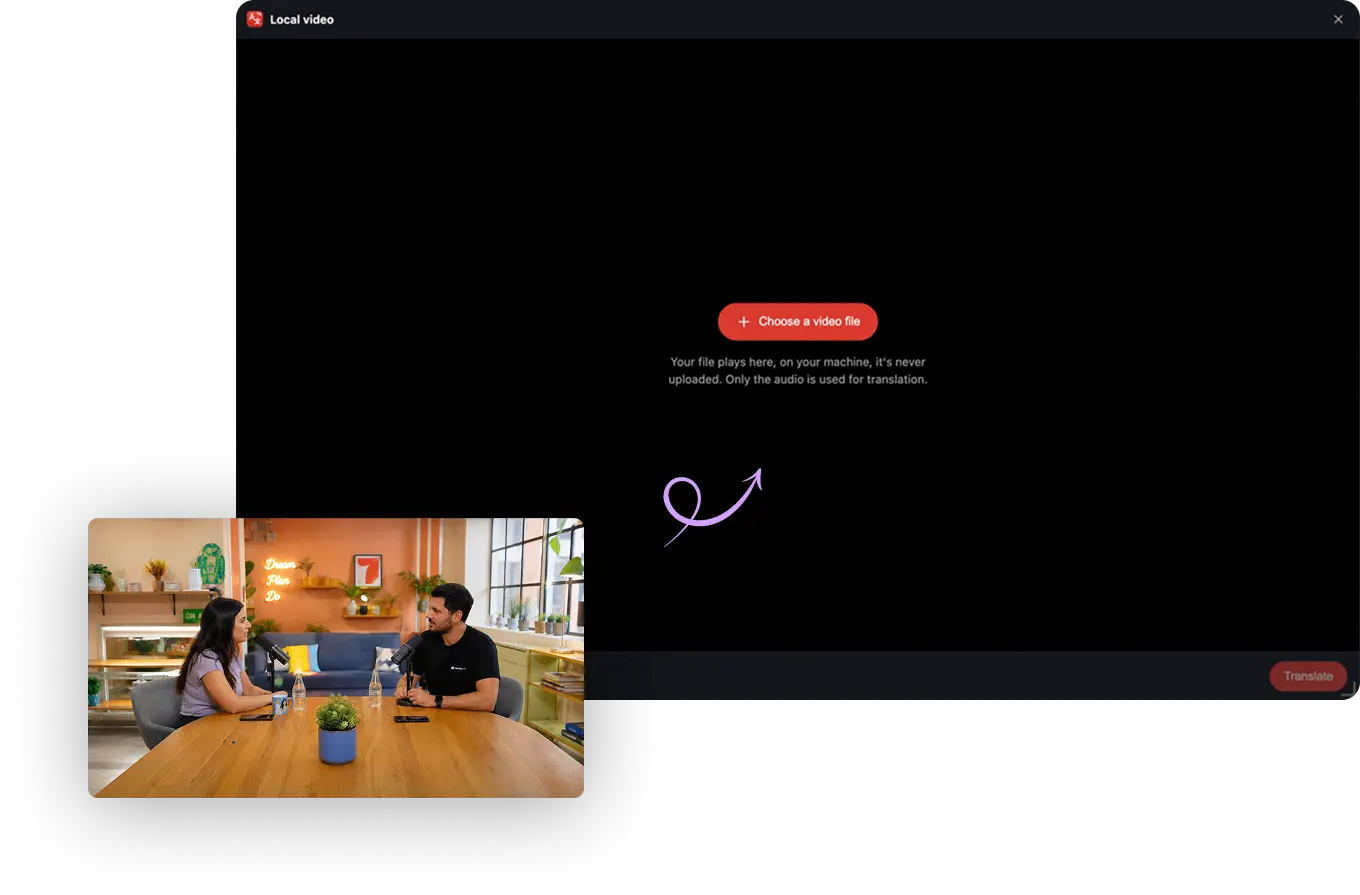
Journalism is the loudest case. Spanish-language reporting on Latin America is frequently hours ahead of the English coverage, and the people who need it fastest are the ones least likely to read Spanish comfortably. Live subtitles on a stream close that gap during the event rather than after it.
Then there is the enormous body of Spanish instructional video, from oposiciones prep to trade skills, that has no English equivalent and no budget for one. Dubbing it on the viewer's side is the only version of that translation which will ever exist.
And there is ordinary business. If your counterpart is more precise in Spanish than in English, letting them stay in Spanish is the better meeting. That runs through two-way conversation translation, where each side picks their own language.
Yes, on any Spanish video that plays in your browser, including live streams. Subtitles render inside the player itself.
No. AnyDub transcribes the spoken audio, so videos with no captions work the same as videos with them.
All of them. Peninsular, Mexican, Rioplatense, Caribbean, Andean and the rest are handled from the audio without you selecting a region.
Yes. A mixer sets the original voice anywhere from fully muted to fully audible under the English track.
Yes. See the live meeting page for how call translation works on Zoom, Google Meet, Teams and Webex.
Yes. Start free, and upgrade only when you need more translation minutes per month.
Install the extension, pick a language, and you are live.
Install on Chrome