
Install AnyDub in Chrome
A one click install. You do not need admin rights on the Zoom account.
 AnyDub
AnyDub translates the incoming audio of a Zoom call into your language about a second behind the speaker. It runs in your own browser, so nothing joins the meeting and nobody has to approve anything.
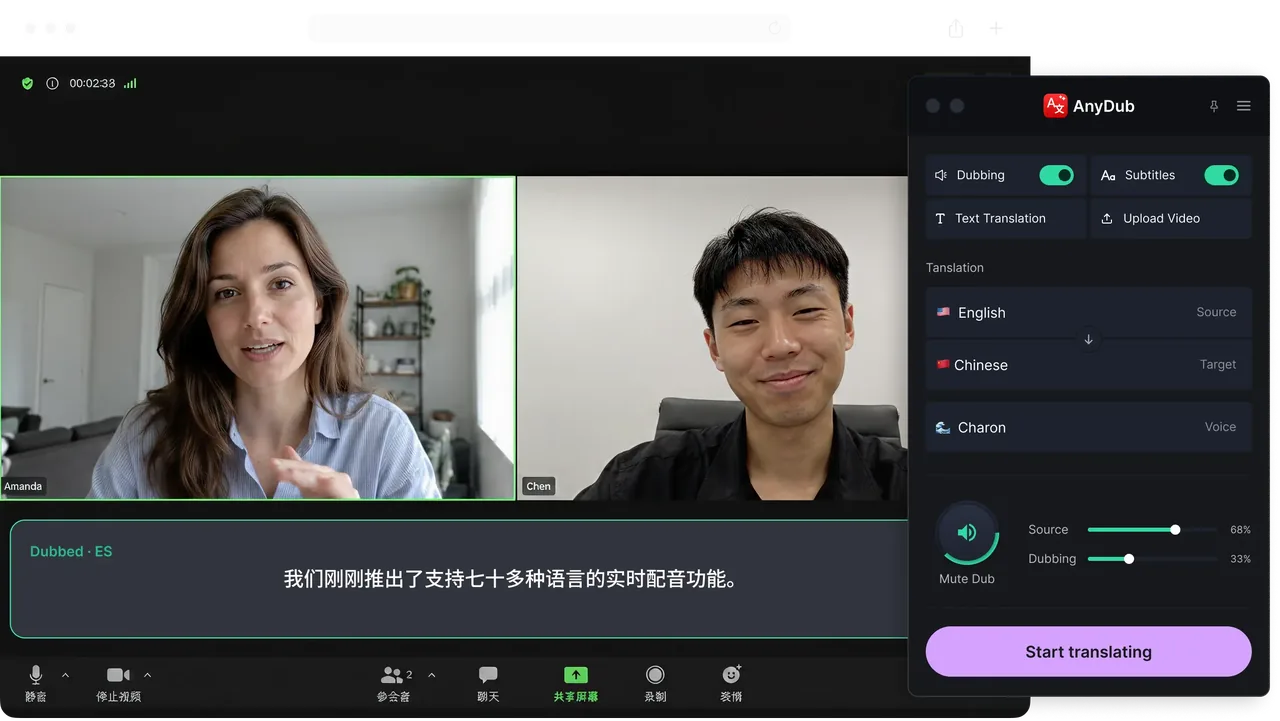
A one click install. You do not need admin rights on the Zoom account.
Use Zoom's web client so the audio runs in a Chrome tab.
Open the AnyDub panel, choose what you want to hear or read, and stay in the call.
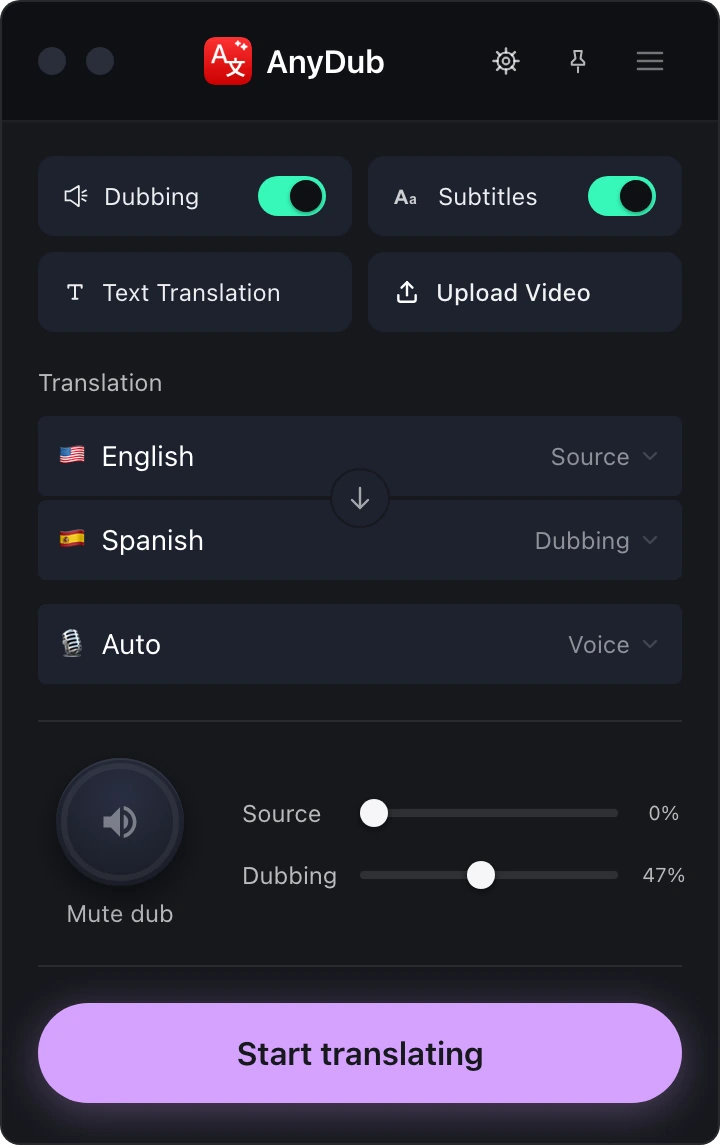
Zoom's own translated captions require a paid add-on and the host to enable them, and third party translators usually dial a bot into the room. Both approaches make your language needs everyone's problem.
AnyDub is on your side of the call only. The host does not configure anything, the account does not need an add-on, and the other participants never see it.
Install on ChromeIn a call where you are mostly listening, the spoken translation is easier. In one where you are presenting or sharing your screen, live text is less intrusive. Switch between them without leaving the meeting.
Install on Chrome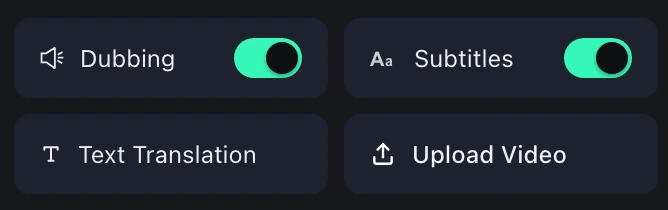
More than 70 languages, and none of them cost extra. That matters on Zoom in particular, where translated caption support is limited to a short list of language pairs on the plans that offer it at all.
Install on ChromeThe usual blocker is not technical. It is that Zoom translated captions sit behind a paid add-on on a business tier, and enabling them is a decision made by whoever administers the account, who is often not in your meeting and does not need translation.
Running the translation in the listener's browser sidesteps all of that. It is the same reasoning as browser extensions generally: the person with the problem is the person who installs the fix.
If the other side also wants translation, they install it too and you get two-way translation with each person on their own language.
No. AnyDub is independent of your Zoom licence and does not use Zoom's translated captions feature.
No. The extension runs in your browser and needs no host configuration or approval.
It is built for the browser, so join through Zoom's web client to have the audio in a Chrome tab.
Nothing appears in the meeting. No bot joins and no participant entry is added.
More than 70, with no per-language pricing.
Yes, if they also run AnyDub and choose their language. See the two-way translation page.
Install the extension, pick a language, and you are live.
Install on Chrome