
Install AnyDub in Chrome
Free to add, and no account is needed for the first session.
 AnyDub
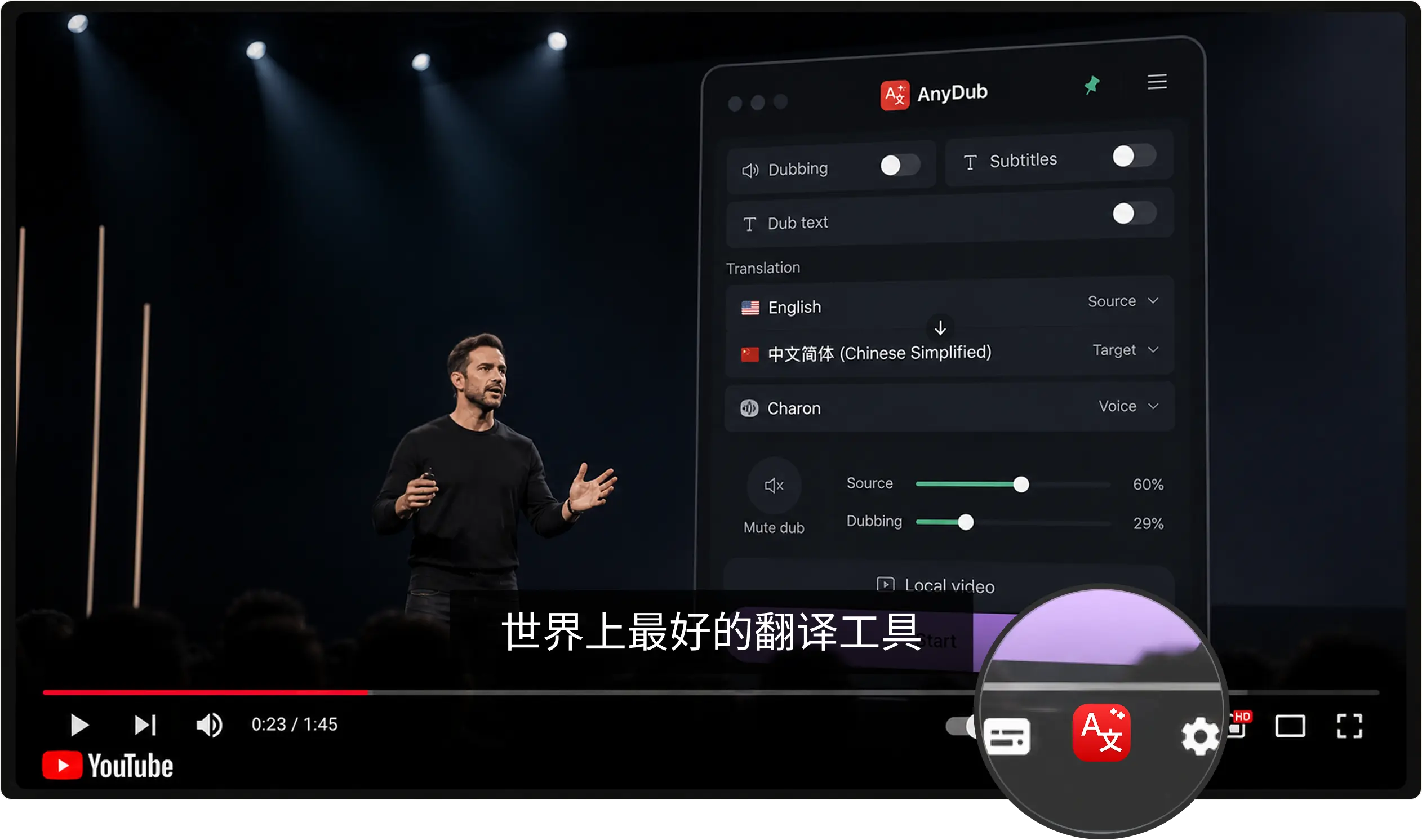
Netflix ships a handful of subtitle and dub tracks per title, and the one you want is frequently not among them. AnyDub translates the audio itself, live, in more than 70 languages, on the title you are watching right now.
Free to add, and no account is needed for the first session.
Use Netflix in a Chrome tab rather than a TV app.
Subtitles over the player, a spoken track, or both together.
Localisation is a per-title business decision. A Korean drama might carry twelve subtitle languages and a Danish one might carry three, and the difference has nothing to do with who wants to watch. Whole audiences get left out of specific titles for reasons of catalogue economics.
Translating on the viewer's side ignores that entirely. The language you want is available because you asked for it, not because a title hit a threshold.
Install on Chrome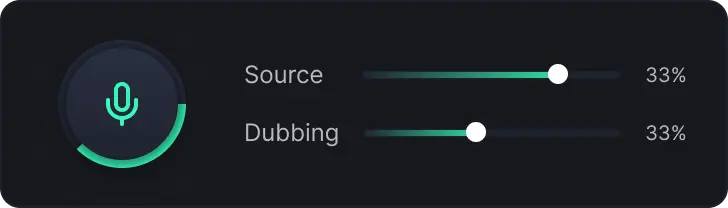
Subtitle tracks are much cheaper to produce than dubs, so most titles offer far more of the former. If reading subtitles for two hours is not how you want to spend the evening, AnyDub can speak the translation instead, with the original cast audible underneath at whatever level you like.
Install on ChromeThe same extension works on other streaming services, broadcaster catch-up players, sports streams and YouTube. Anything that makes sound in a Chrome tab is fair game.
Install on Chrome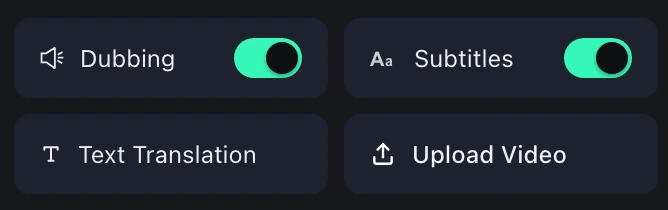
Streaming made the world's television available and left the language problem roughly where it was. A title is licensed into a market, dubbed and subtitled for that market, and the viewer who sits outside that plan gets whatever happened to be commissioned.
Non-English foreign titles are where this bites hardest. English-language shows are localised widely because the audience is large. A Turkish series, a Thai film or a Nordic thriller often carries only its own language plus English, which strands everyone else.
Real-time translation solves this at the only point where it is cheap to solve: one viewer, one title, one session. Nobody has to commission anything.
No. AnyDub is a Chrome extension, so watch in a browser tab on a computer.
It adds its own translated subtitles over the player, translated from the audio, so it works for languages Netflix does not provide.
Yes. Turn on dubbing and the translation is spoken over the original, whose volume you control.
Yes. Any site that plays audio in Chrome works the same way.
It follows the audio live, about a second behind, and stays aligned through pauses and seeks.
There is a free tier with monthly translation minutes, and paid plans for heavier viewing.
Install the extension, pick a language, and you are live.
Install on Chrome