
Add AnyDub to Chrome
One click, and no account needed for the first session.
 AnyDub
Russian audio in, English back about a second later, as subtitles inside the player, as a spoken English track, or both. No file to upload and no subtitle track required to start.
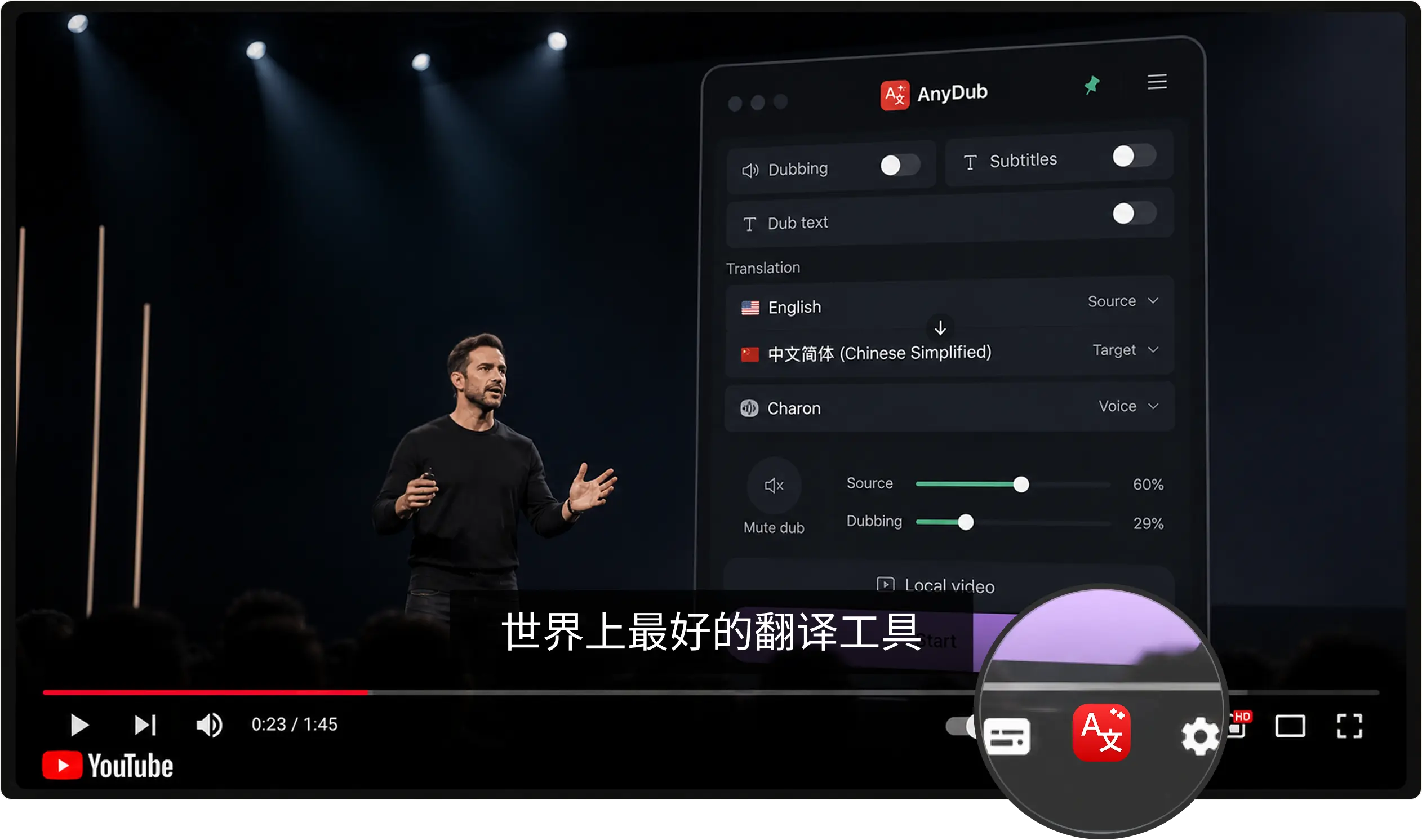
One click, and no account needed for the first session.
A stream, a broadcast, a lecture, or a call in progress.
Subtitles in the player, a spoken English track, or both.
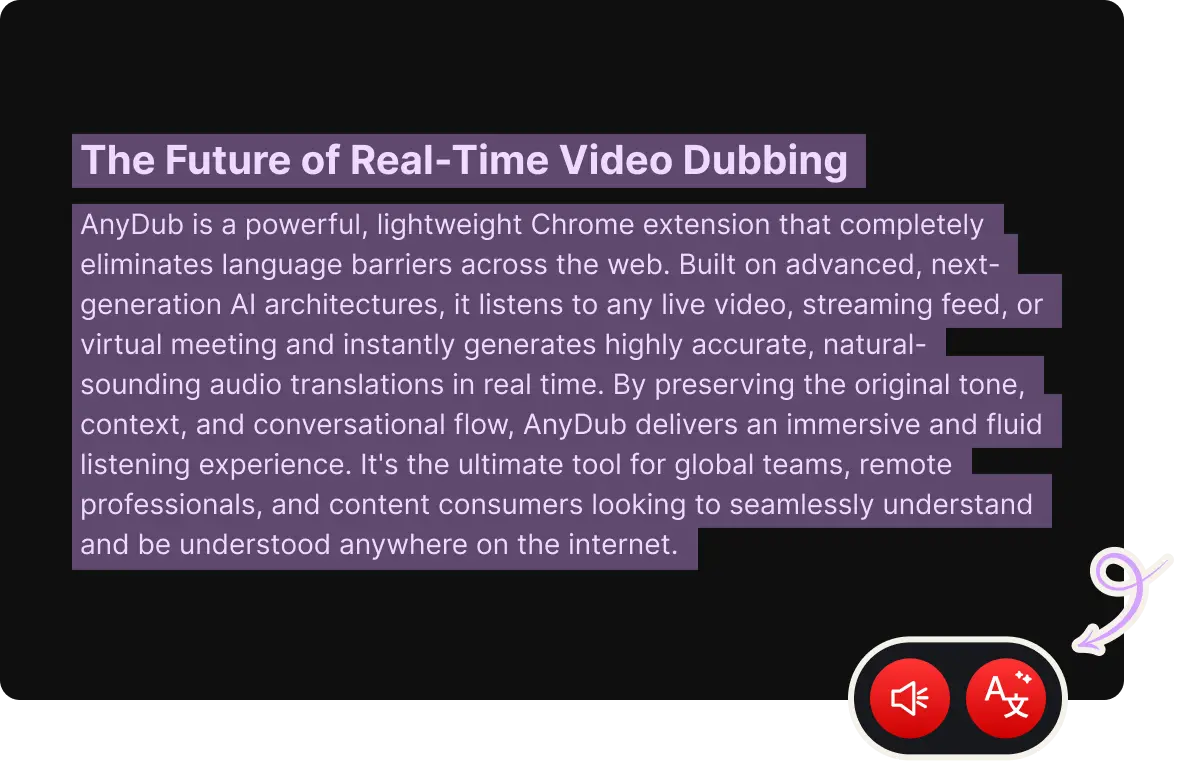
Russian marks meaning with case endings rather than word order, which trips up systems built around English sentence structure. AnyDub translates the meaning of what was said rather than mapping words position by position, so a sentence with unusual word order for emphasis still comes out as normal English.
Fast, informal speech with dropped words, common in live streams and calls, is handled the same way, because it is translating audio rather than parsing a formal transcript.
Install on ChromeA large share of Russian-language video, especially independent streams, regional broadcasts and technical talks, has no subtitle track at all. AnyDub transcribes and translates the speech directly, so uncaptioned video works exactly like captioned video.
Install on ChromeThe mixer keeps the Russian audio audible under the English track at any level you set, so you follow the words without losing the speaker's tone.
Install on Chrome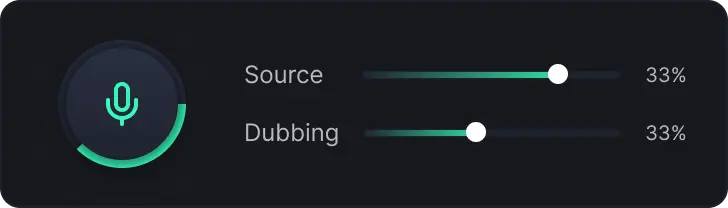
Technical and scientific material is the biggest gap. Russian-language engineering, aerospace and research video is produced at real volume and translated into English rarely and slowly, if at all, because the audience for any single video is small enough that nobody commissions a translation.
Independent journalism and commentary streams are the second case, often live, often hours long, and never going to have a finished file for a batch tool to process.
For calls with Russian-speaking teams the same engine runs live on Zoom, Google Meet and Teams, and works best as two-way translation so each side stays in the language they are precise in.
Yes, and that is the case it is built for, since a live stream has no finished file for a batch dubbing tool to process.
No. AnyDub transcribes and translates the spoken audio directly.
Yes. It translates from the audio itself, so casual and fast speech in streams and calls is handled as spoken.
Yes. The mixer sets the source voice anywhere from muted to full volume.
Yes, on Zoom, Google Meet, Microsoft Teams and Webex.
Yes. The free tier includes a monthly allowance of translation minutes.
Install the extension, pick a language, and you are live.
Install on Chrome