
Instala AnyDub en Chrome
Un clic y listo. Puedes probarlo sin crear una cuenta.
 AnyDub
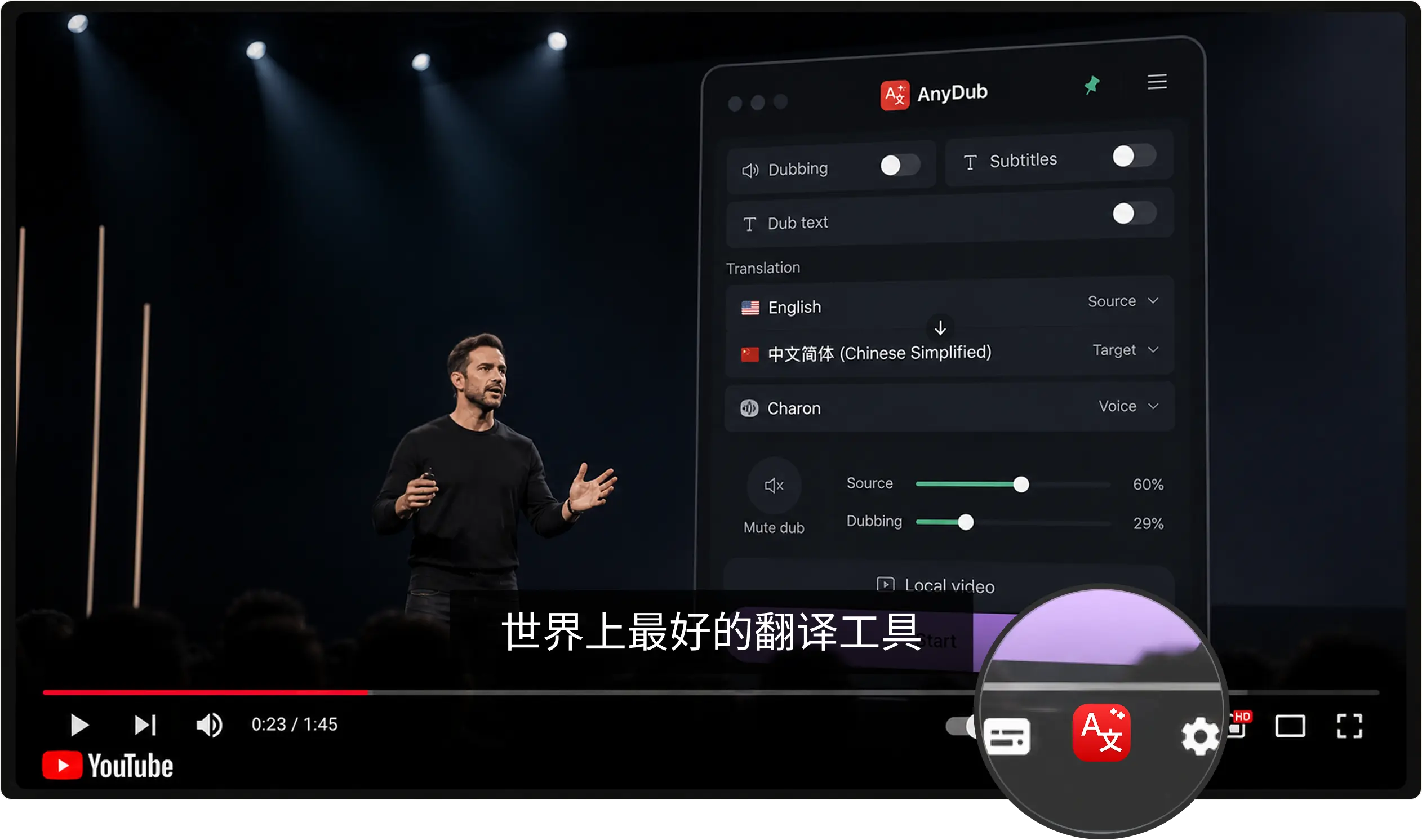
AnyDub escucha el audio en inglés y te devuelve español aproximadamente un segundo después, como subtítulos dentro del reproductor, como voz hablada, o ambos a la vez. No hay que subir ningún archivo ni esperar a que se procese nada.
Un clic y listo. Puedes probarlo sin crear una cuenta.
YouTube, una plataforma de cursos, un webinar grabado o una llamada en directo.
Subtítulos, doblaje hablado, o los dos al mismo tiempo.
La mayor parte del vídeo técnico, médico y de negocios que existe en la web está solo en inglés, y la versión en español, cuando existe, llega tarde y incompleta. Traducir del lado de quien mira elimina esa dependencia: ya no esperas a que alguien decida que tu idioma merece presupuesto de localización.
Instalar en Chrome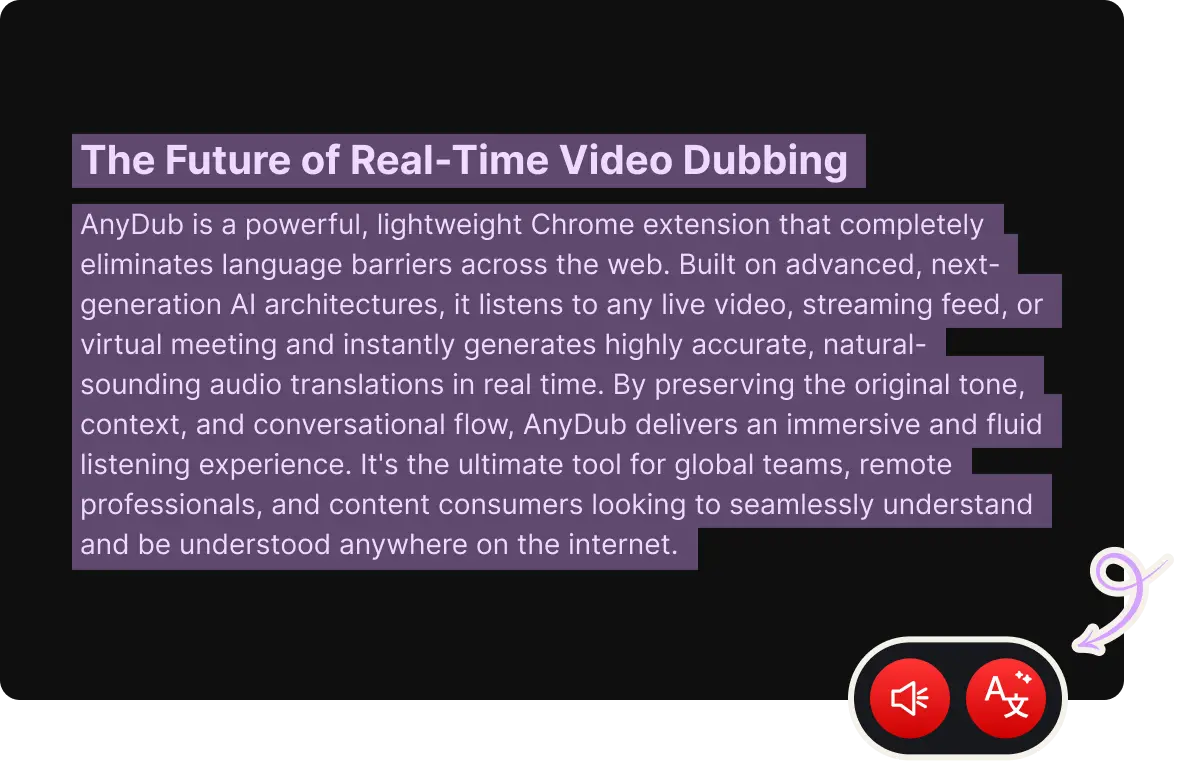
La pista en español usa síntesis de voz natural con un ritmo que sigue al que habla, en lugar de un tono plano que termina antes y deja huecos. En una clase de una hora esa diferencia lo es todo.
Por defecto es un español latinoamericano neutro, que es el que mejor viaja entre países. Los subtítulos evitan regionalismos por la misma razón.
Instalar en ChromeLeer subtítulos funciona cuando puedes mirar la pantalla. Cuando no, la voz hablada toma el relevo y el vídeo se convierte en algo que puedes escuchar mientras haces otra cosa. Los dos modos salen de la misma sesión y se cambian a mitad de frase.
Instalar en Chrome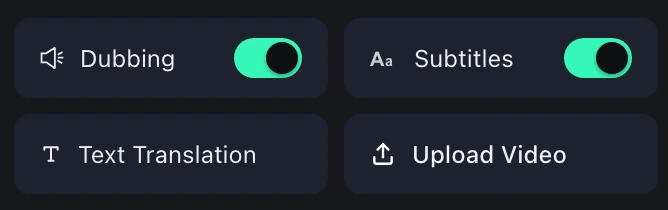
El español es una de las lenguas más habladas del mundo y una de las peor servidas por el vídeo en línea, porque el material que la gente necesita se produce en inglés y se localiza despacio o nunca. Clases universitarias, conferencias de desarrollo, formación médica y documentación de producto quedan detrás de un muro que es solo idiomático: el público entiende el contenido perfectamente, lo que no entiende es la lengua.
La respuesta práctica nunca fue traducir internet entero. Es traducir el vídeo que estás viendo, en el momento en que lo ves, que es un problema mucho más pequeño.
La dirección contraria está en la página de español a inglés, y para conversaciones donde cada parte quiere su idioma existe la traducción bidireccional.
Un español latinoamericano neutro por defecto, que es el que mejor funciona entre regiones. Los subtítulos también evitan regionalismos.
Sí. Cualquier pestaña de Chrome que reproduzca audio sirve, lo que cubre la mayoría de plataformas de cursos, herramientas de webinar y repeticiones de conferencias.
Sí, y para quien está mejorando su inglés es la configuración recomendada: solo subtítulos y el volumen original al máximo.
Alrededor de un segundo, según la calidad de la conexión y lo denso que sea el discurso.
Sí, en Zoom, Google Meet, Microsoft Teams y Webex.
No. El plan gratuito incluye una cantidad mensual de minutos de traducción.
Instala la extension, elige un idioma y ya esta.
Instalar en Chrome