
Install the extension
One click in Chrome. No meeting add-on, no admin approval, no licence change.
 AnyDub
AnyDub translates the incoming audio of a video call about a second behind the speaker, as text or as a spoken voice. It runs in your browser on your side of the call, so nothing joins the meeting and nobody else has to change anything.
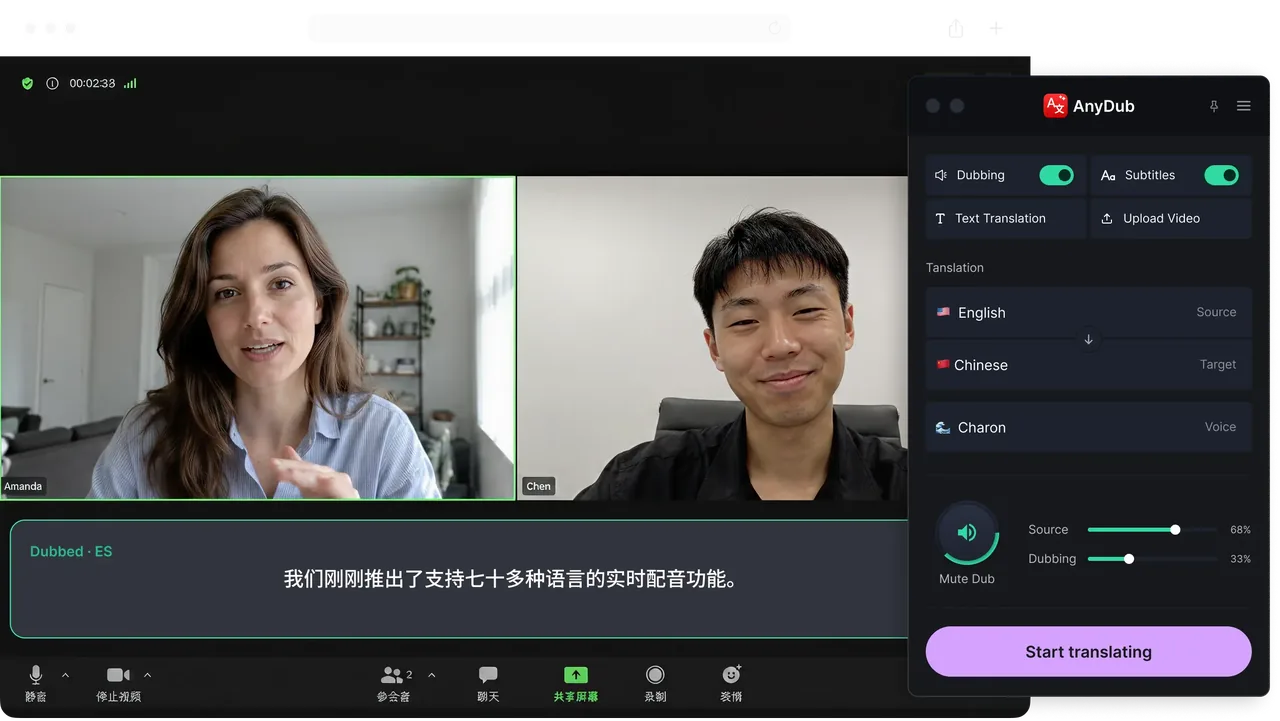
One click in Chrome. No meeting add-on, no admin approval, no licence change.
Google Meet, Teams, Webex, or Zoom's web client. Anything that runs in a tab.
Read live text or hear a spoken translation, and switch between them mid-call.
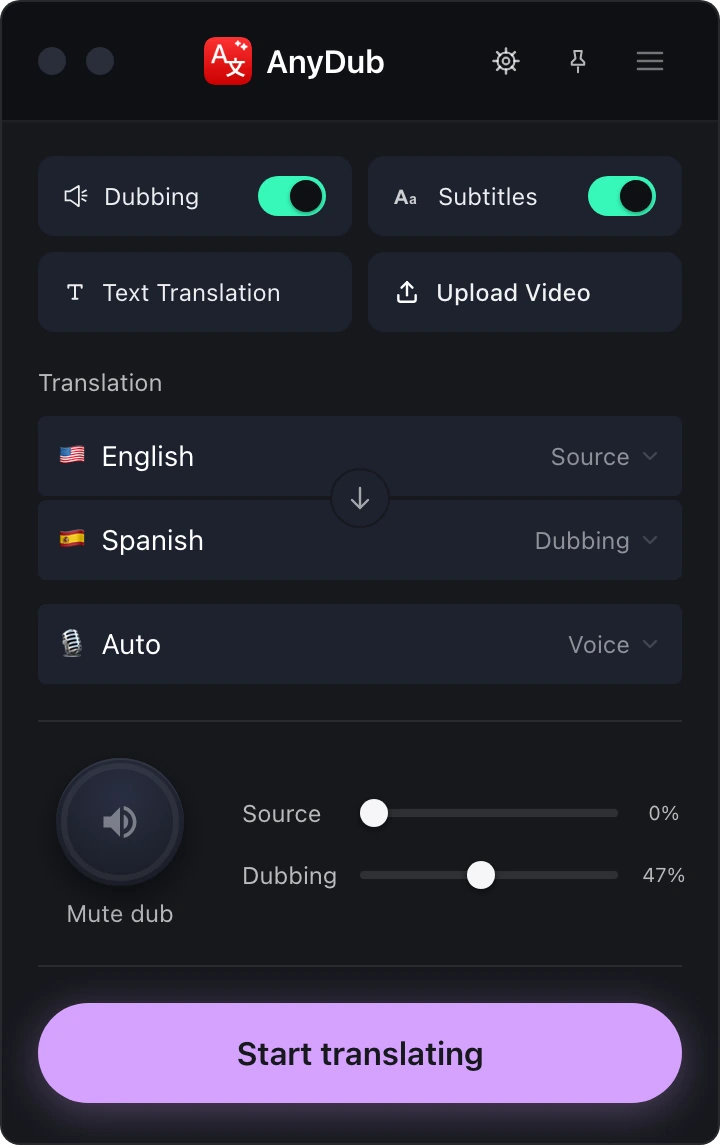
Platform translation is something a meeting has. Either the account pays for it and the host turns it on, or you go without. That means the person who needs it is rarely the person who can enable it.
AnyDub inverts that. It is something you have, on your machine, in whatever meeting you happen to be in, whoever organised it. The other participants see a normal call.
Install on ChromeThere is no per-platform integration to maintain, because AnyDub translates the audio in the browser tab rather than plugging into a meeting API. If a call runs in Chrome, it works. That covers Zoom, Google Meet, Microsoft Teams, Webex, and the long tail of smaller conferencing tools that no translation vendor will ever build an integration for.
Install on ChromeOne install gets you comprehension. Two installs get you a conversation where neither person is working in a second language, because each side independently chooses what they hear. That is covered in detail on the two-way translation page.
Either way the original voice stays available underneath at whatever volume you set, which is how you keep track of who is speaking and how they mean it.
Install on Chrome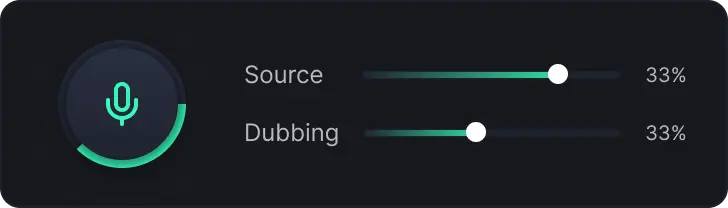
The hard part of translating a meeting is not the translation. It is the delay. Anything beyond about a second and people start talking over each other, because the natural gaps in conversation are shorter than that. AnyDub is tuned to answer early and correct itself rather than wait for a tidy sentence boundary that a real meeting never provides.
The second hard part is access. Most meeting translation products solve the audio problem by adding a participant to the call, which turns a personal need into a group decision and runs straight into corporate policy on recording. Translating in the listener's own browser avoids the entire conversation.
The third is that meetings are messy. People interrupt, mumble, dial in from cars, and switch languages mid-sentence. A system built for clean recordings will not survive contact with a standup. This one is built for the streaming case from the start, which is explained further on the technology page.
No. AnyDub runs in your browser next to the call, so nothing appears in the participant list and the host does not have to admit anything.
Google Meet, Microsoft Teams, Webex, Zoom's web client, and any other conferencing tool that runs in a Chrome tab.
No. AnyDub is independent of your Zoom, Workspace or Teams licence.
Usually under a second, which is short enough that normal back-and-forth conversation still works.
Yes, if they install AnyDub too and choose their own language. Each side's setting is independent.
AnyDub processes the audio it needs in order to translate and does not require a recording of your meeting to work.
Install the extension, pick a language, and you are live.
Install on Chrome