
Install the extension
Free, and the first session needs no account.
 AnyDub
Live streams, variety shows, gaming broadcasts and business calls, translated into English about a second behind the speaker. No upload, no processing wait, no subtitle track required.
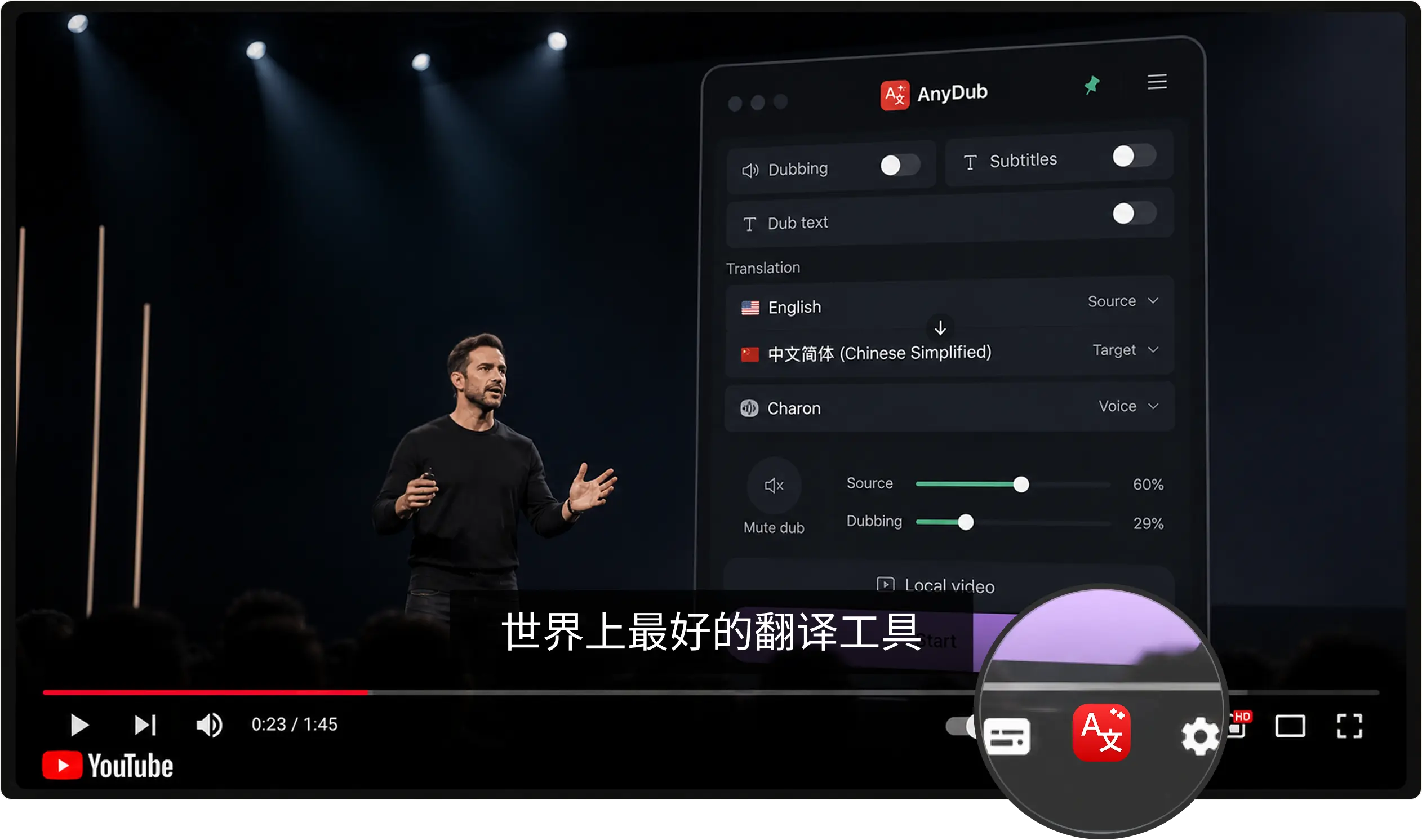
Free, and the first session needs no account.
A live stream, a broadcast replay, a lecture, or a meeting.
Then pick subtitles, spoken dubbing, or both.
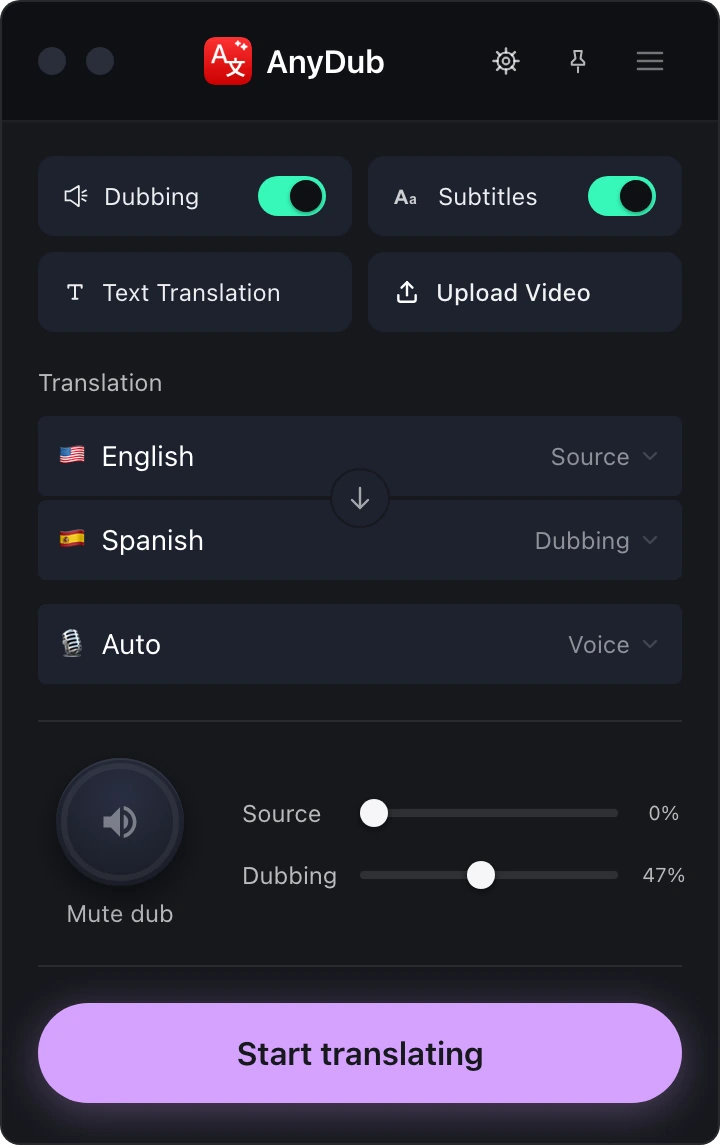
A huge share of Korean video that people actually want is live: streams, broadcasts, launches, matches. None of it has a finished file to upload to a dubbing service, which is why batch tools are simply the wrong shape for it.
AnyDub starts translating from the moment audio plays and stops when you close the tab, so a six hour stream costs you nothing but the minutes you watch.
Install on ChromeFast conversational Korean, heavy slang, and the constant borrowing from English that runs through gaming and entertainment content all arrive as sound rather than as a transcript someone else got wrong first. Honorific levels shift mid-conversation and that is fine too.
Install on ChromeReactions, timing and tone are most of the entertainment value in live Korean content. The mixer keeps the original audible at any level underneath the English track, so you follow the words without losing the moment.
Install on Chrome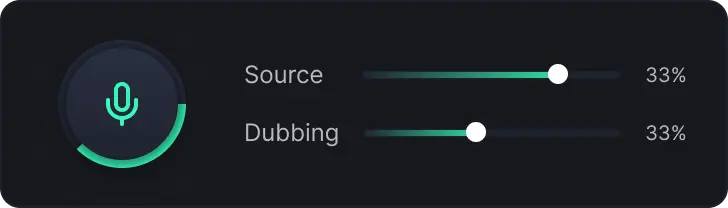
Korean entertainment is subtitled well and subtitled slowly. Fansub and official teams turn around an episode in hours or days, which is remarkable work and still means the live broadcast, the launch event and the stream go by untranslated.
Business is the quieter half. Korean manufacturing, semiconductor and display suppliers run internal briefings and technical sessions in Korean, and the partners who need to follow them are not going to get an interpreter scheduled for every call.
Both cases want the same thing: translation now, at the moment of watching, rather than a better translation later. That is the trade this makes, and it is explained in more detail on the tools comparison page.
Yes, and that is the case it is built for, since a live stream has no finished file for a batch dubbing tool to process.
No. AnyDub transcribes and translates the spoken audio directly.
Yes. It works from the audio rather than from someone else's transcript, so casual, fast and slang-heavy speech is translated as spoken.
Yes. The mixer sets the source voice anywhere from muted to full volume.
Yes, on Zoom, Google Meet, Microsoft Teams and Webex.
There is a free tier. Paid plans add monthly minutes and never restrict languages.
Install the extension, pick a language, and you are live.
Install on Chrome