
Install the extension
One click in the Chrome Web Store, then pin it to your toolbar.
 AnyDub
AnyDub turns spoken French into English while the video runs. Choose live subtitles inside the player, an English voice over the original, or both, in any Chrome tab.
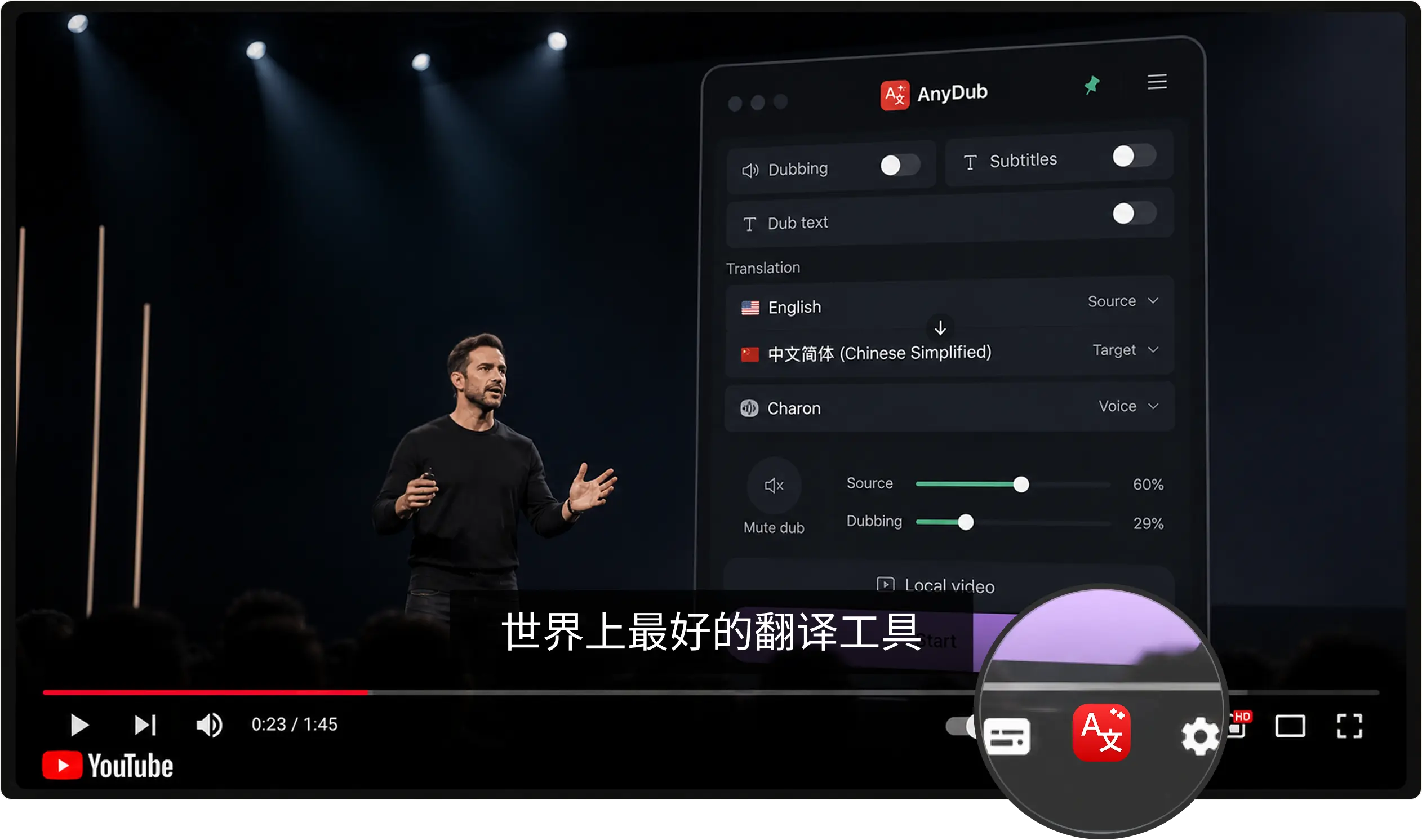
One click in the Chrome Web Store, then pin it to your toolbar.
A video, a podcast page, a live stream, or a meeting in progress.
Subtitles, dubbing, or both, switched at any point mid-video.
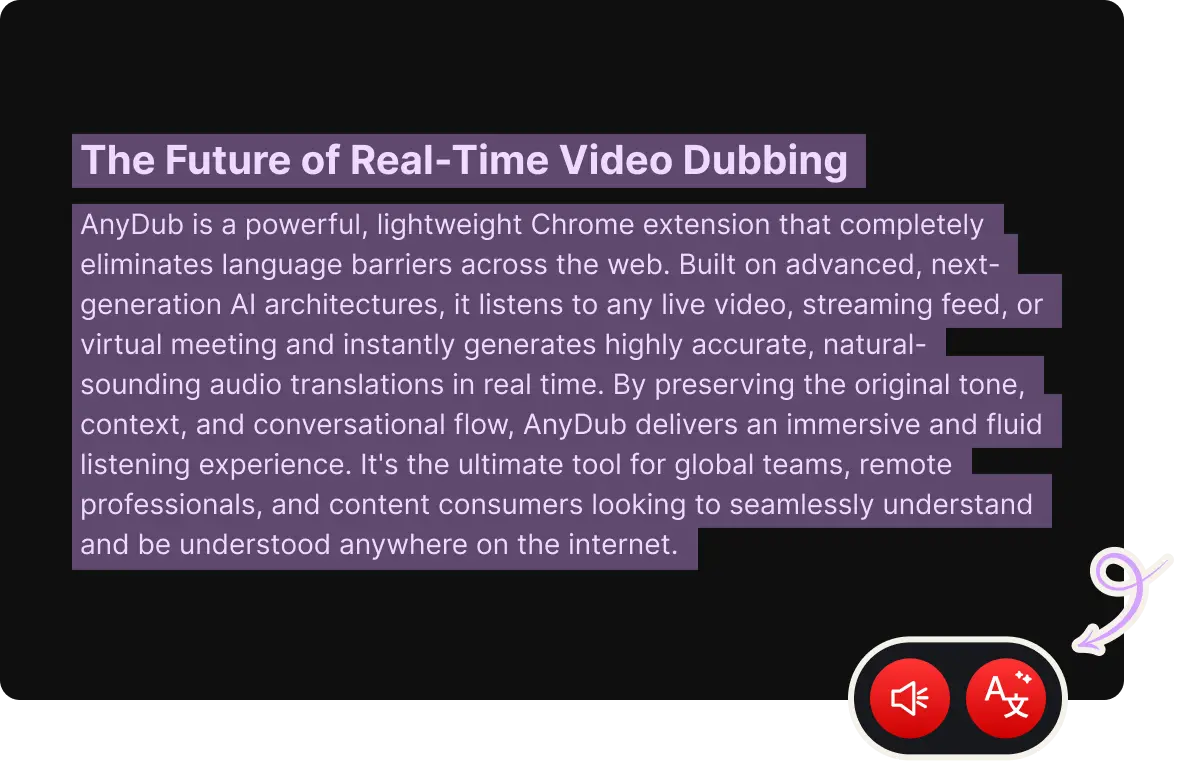
French runs words together, drops the ne in casual speech, and packs a lot of syllables into a short breath. Systems that translate from a caption file inherit whatever that file got wrong. AnyDub listens instead, which is why fast conversational French and formal broadcast French both come out readable.
Quebec French, Belgian and Swiss French, and West African French all work without a setting to change.
Install on ChromeFor learners the useful mode is usually English subtitles with the French audio at full volume, so you keep the listening practice and stop losing the thread. For a meeting you cannot pause, the spoken English track is the one to turn on. You can switch between them mid-sentence.
Install on Chrome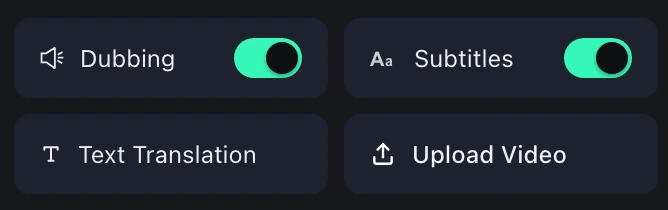
Public broadcaster players, university lecture portals, conference replays, and podcast pages all count as browser audio. If it makes sound in a Chrome tab, AnyDub can translate it.
Install on ChromeFrance, Belgium, Switzerland and Canada all put substantial public-service video online, and very little of it is subtitled beyond French. Debates, parliamentary sessions, documentary archives and lecture series are effectively invisible to English speakers who would happily watch them.
In work settings the pattern is different. French colleagues usually speak fine English, but they are sharper in French, and the meeting where they stay in French while you read English is simply a better meeting. That is the case for translating the call rather than asking everyone to switch.
Learners are the third group, and they want the opposite of dubbing. They want the French loud and the English available when they lose the sentence, which is what subtitle-only mode is for.
Yes, including live streams. English subtitles appear inside the player and the spoken English track is optional.
Yes. Any page that plays audio in Chrome works, not only the major video platforms.
Yes. Quebec, Belgian, Swiss and African varieties are all translated from the audio without a regional setting.
Yes, and for language learners that is the recommended setup. Use subtitles only and leave the source at full volume.
Yes, on Zoom, Google Meet, Microsoft Teams and Webex.
There is a free tier. Paid plans add monthly translation minutes and do not restrict languages.
Install the extension, pick a language, and you are live.
Install on Chrome