
Add AnyDub to Chrome
One click from the Chrome Web Store. You can start without creating an account.
 AnyDub
AnyDub listens to the Hindi audio and gives you English back within about a second, as subtitles inside the player, as a spoken English track, or both at once. It is a Chrome extension, so there is no file to upload and no render to wait for.
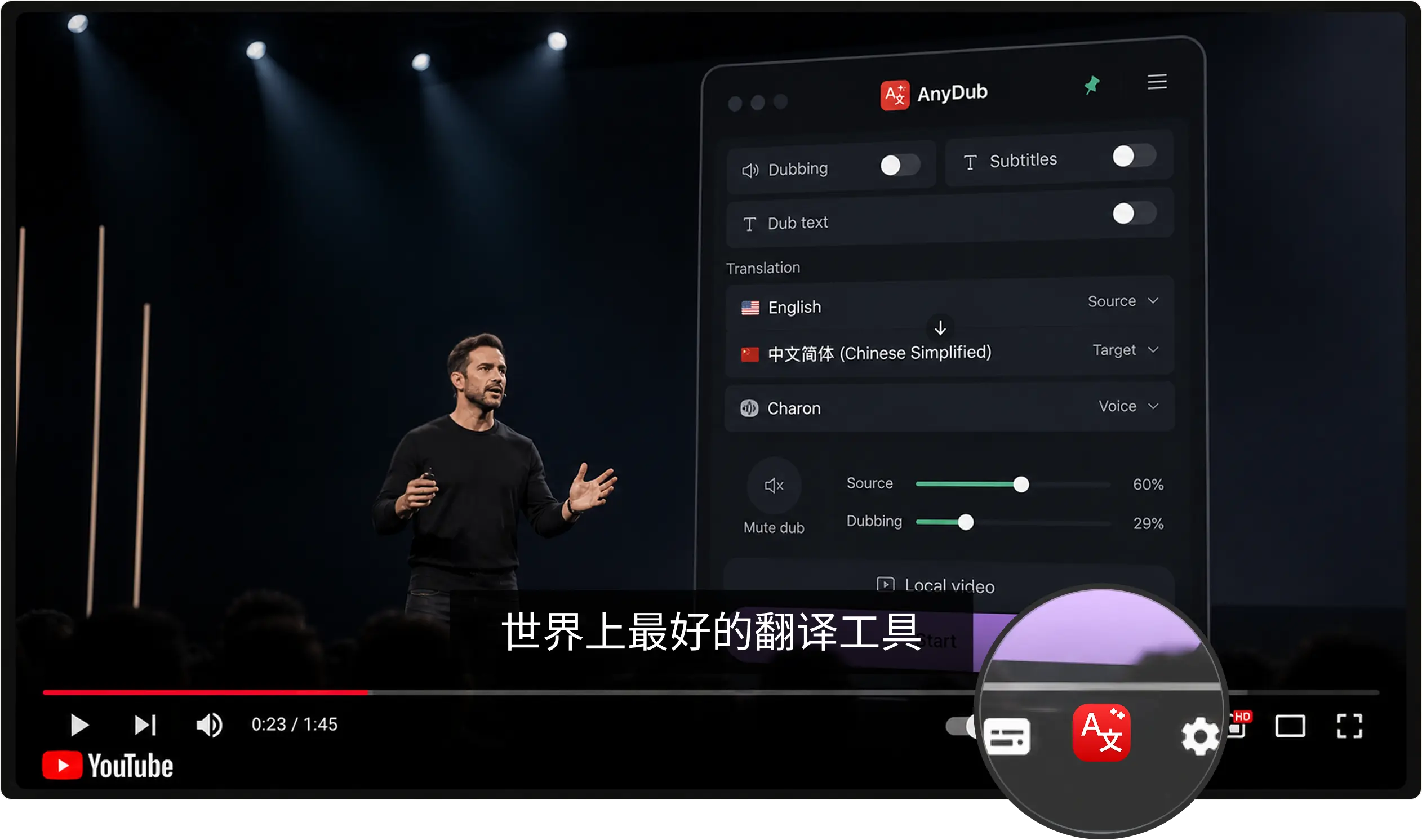
One click from the Chrome Web Store. You can start without creating an account.
Any YouTube video, news stream, lecture, or film that plays in a browser tab.
Pick English as the output and choose subtitles, dubbing, or both.
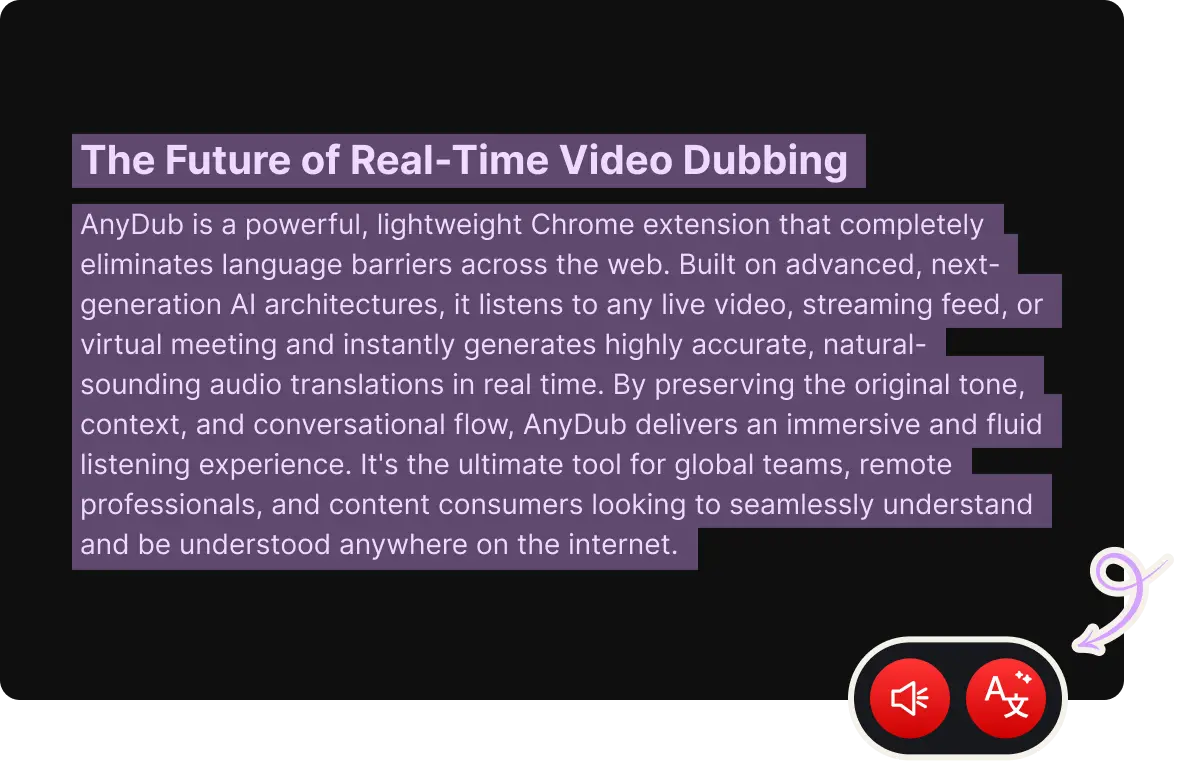
Most Hindi content online is not pure Hindi. Speakers slide into English mid-sentence, keep the English word for the technical thing, and go back to Hindi for the joke. AnyDub translates from the audio rather than from a caption file, so a code-switched sentence comes through as one English sentence instead of a garbled transliteration.
The same applies to Urdu-leaning vocabulary in film dialogue and to the Sanskritised register of formal news reading. You are not choosing a dialect setting, you are just listening.
Install on ChromeA large share of Hindi video on the web has no subtitle track, and auto-generated captions on regional channels are often missing or wrong. AnyDub does not need them. It transcribes and translates the speech itself, which means a village news clip, a coaching-class lecture, and a serial episode all work the same way.
Install on ChromeHindi delivery carries a lot in the timing and the emphasis, and a flat English voice-over loses it. The mixer keeps the source audio at whatever level you want underneath the English track, so you hear the performance and understand the words.
Install on Chrome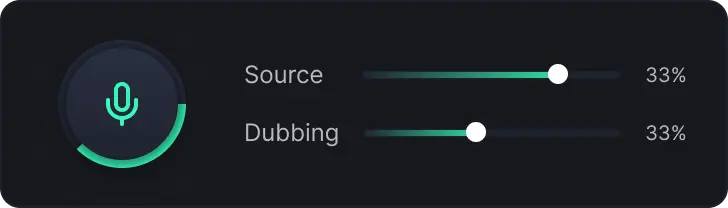
The heaviest use is study material. Engineering and civil-service coaching in India is taught in Hindi on YouTube, and students outside that language get locked out of some of the best explanations on the internet. Live English subtitles fix that without anyone re-recording a course.
The second is family and film. Older Hindi cinema, television serials, and devotional broadcasts rarely ship English subtitles, and second-generation viewers who understand some Hindi but not all of it end up guessing. Running dubbing at low volume under the original is usually the right setting there.
The third is work. Vendor calls, recorded standups, and internal all-hands recordings from Indian teams get watched by people who need the decisions, not the language practice. For live calls the same engine runs on Zoom, Google Meet, and Teams.
Yes. Open any Hindi video on YouTube, start AnyDub, and pick English. Subtitles appear inside the player and the English voice track plays over the video if you turn dubbing on.
No. AnyDub translates the spoken audio directly, so it works on videos that have no caption track and on videos whose auto-captions are inaccurate.
Usually under a second for live audio, depending on your connection, your device, and how fast the speaker is talking. The system waits for enough of a phrase to translate it correctly, so dense or fast speech can push the delay slightly higher.
Yes. The direction is just the language you select as output. Choose Hindi and the same video comes back in Hindi.
Yes, and this is one of the reasons AnyDub works from audio rather than caption files. Sentences that mix Hindi and English are translated as a whole rather than word by word.
There is a free tier you can start on immediately. Paid plans differ by how many minutes of translation you get each month, not by which languages you can use.
Install the extension, pick a language, and you are live.
Install on Chrome