
Publishing your own video?
You want a rendered file with lip-sync and review. That is HeyGen's job, not this one.
 AnyDub
These products get compared constantly and barely compete. HeyGen produces a dubbed video file you can publish. AnyDub translates audio while it plays so you can follow it now. Almost every choice between them comes down to that.
You want a rendered file with lip-sync and review. That is HeyGen's job, not this one.
There is no file to upload and no time to render. That is where AnyDub works.
Only live translation helps at all. A batch tool has nothing to process yet.
HeyGen is built around a pipeline: you give it a finished video, it processes the whole thing, and you get a localised version back. Having the entire file up front is what lets it match lip movement, use a cloned voice consistently, and let you review the result before anyone sees it.
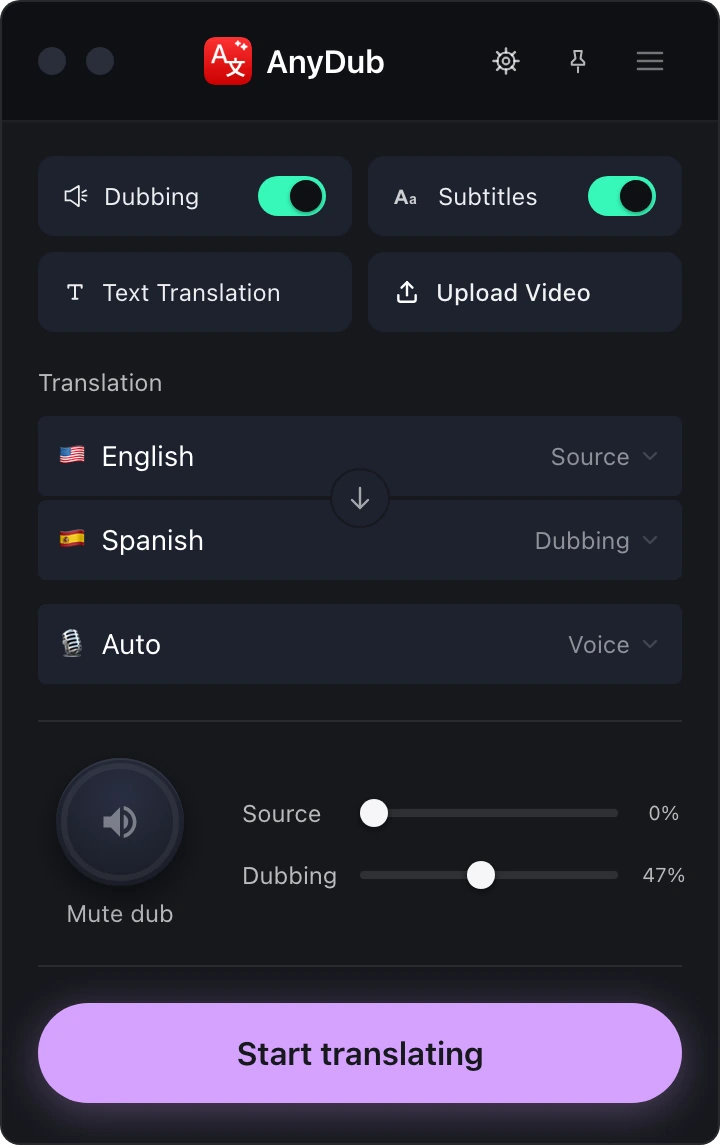
AnyDub has none of that, on purpose. It works on audio that is playing right now, which means no file, no queue and no second pass, and also means it can never hand you a polished deliverable.
Install on ChromeThe practical dividing line is ownership. Batch dubbing assumes the video is yours: you have the file, you have the rights, and you intend to distribute the result. That covers marketing, training and course content.
Live dubbing assumes the opposite. The video belongs to someone else, it is on YouTube or Netflix or a stream, and you just need to understand it. There is no file to hand anyone and no output to publish.
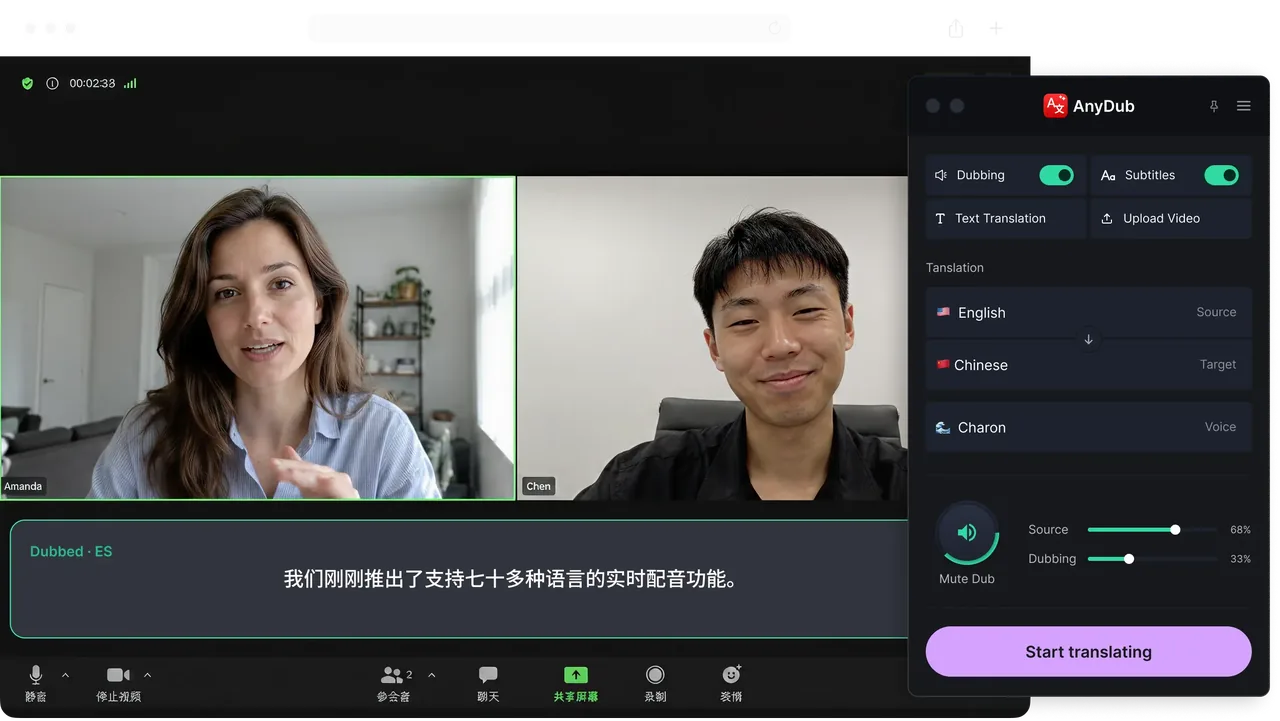
Install on ChromeLive meetings are the clearest case. A call on Zoom or Google Meet produces no artefact to upload, so a batch tool cannot participate at all. The same is true of live streams and anything you want to watch today.
AnyDub also keeps the original voice audible underneath the translation at any level, which matters when you are following a person rather than consuming a finished product.
Install on Chrome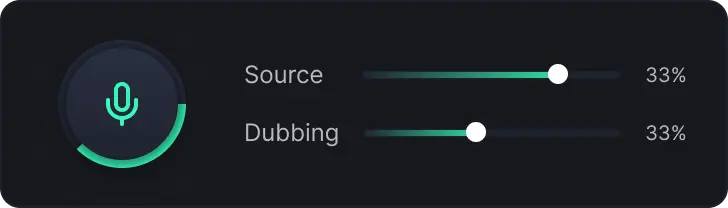
If you are localising your own content for an audience, use a batch tool. The output quality is higher, you can review it, and lip-sync and voice cloning are real advantages that live translation cannot offer. HeyGen is good at that and this page is not going to pretend otherwise.
If you are trying to understand something, a batch tool cannot help you, and not because it is worse. It is because the workflow assumes a file you do not have and time you do not have. A three hour stream, a meeting in progress, a lecture starting now: none of these can be uploaded and waited on.
Plenty of teams end up using both, for the same reason they own both a camera and a pair of binoculars. The longer version of this argument, with more tools in it, is on the dubbing tools comparison.
Only if what you wanted from HeyGen was to understand a video rather than publish one. For producing a localised video file to distribute, HeyGen does something AnyDub does not attempt.
No. It translates audio as it plays and produces no file. If you need a deliverable, use a batch dubbing tool.
Batch dubbing tools work from an uploaded file, so a call in progress has nothing for them to process. Live meeting translation is a different category of product.
No. Both need the full video in advance, which is exactly what live translation does not have.
AnyDub, because the video is not yours to upload and you want it now. See the YouTube translation page for how that works.
They are priced for different things, per rendered video against per minute of translation, so the comparison depends entirely on your usage. AnyDub has a free tier you can test with.
Install the extension, pick a language, and you are live.
Install on Chrome