
Add AnyDub to Chrome
Free, and no Workspace admin approval is involved.
 AnyDub
Google Meet already runs in Chrome, which makes it the easiest call to translate. AnyDub sits in the same tab and turns what you hear into your language about a second later.
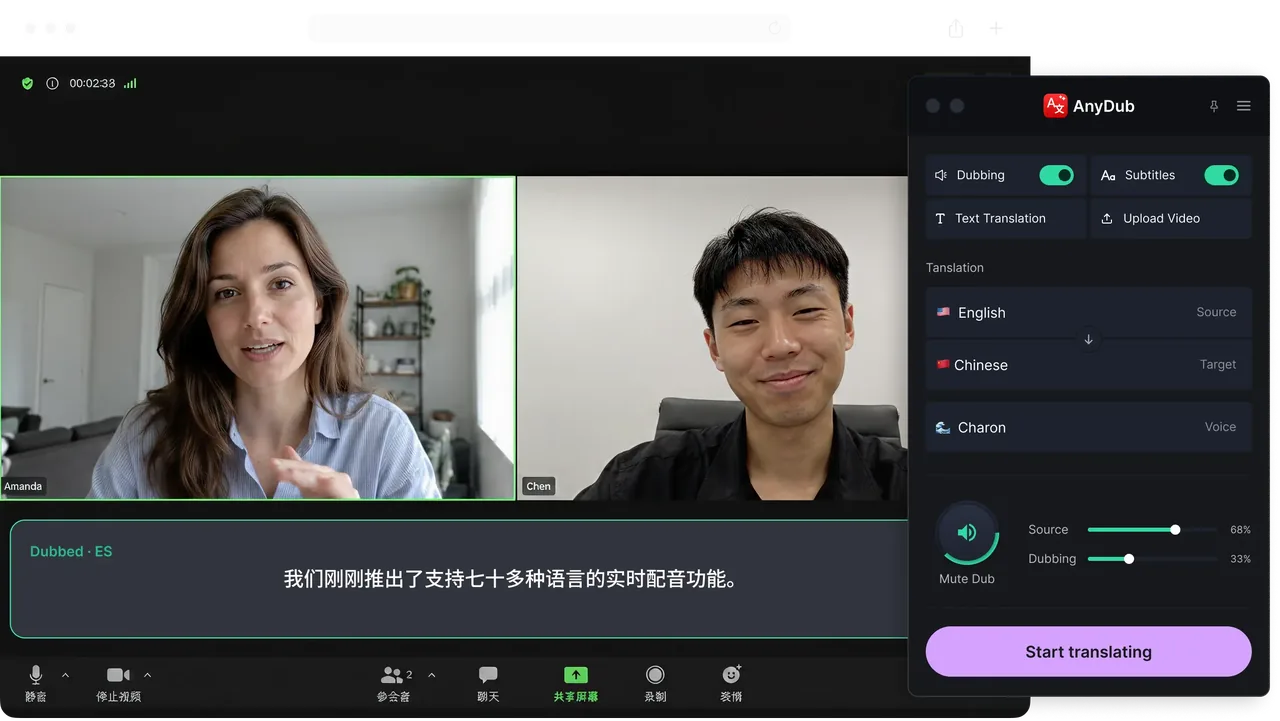
Free, and no Workspace admin approval is involved.
Meet is already a browser app, so there is nothing else to set up.
Open the panel, pick subtitles or spoken translation, and carry on.
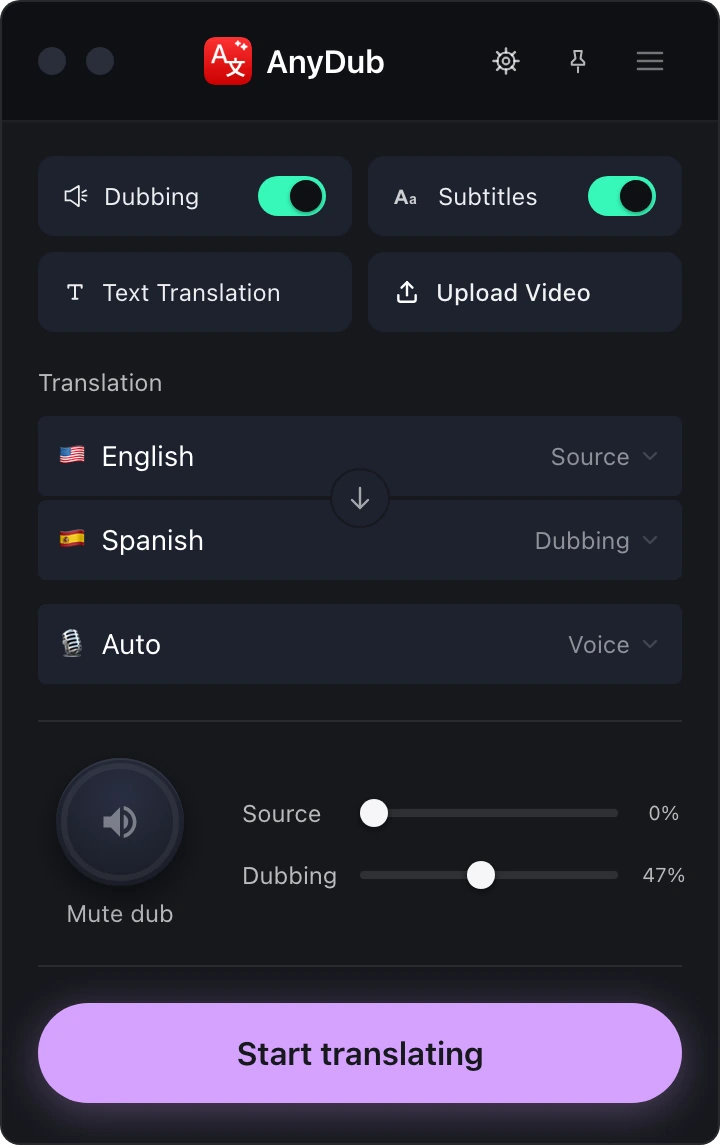
Because Meet is a web app, AnyDub is already where the audio is. There is no capture device to configure, no virtual audio cable, and no second application competing for your microphone.
That also means screen sharing, presenting and breakout rooms behave normally. The translation follows the tab.
Install on ChromeGoogle Meet has translated captions, but they cover a short list of language pairs and are tied to specific Workspace editions. AnyDub covers more than 70 languages regardless of your Workspace plan, and adds a spoken translation track, which Meet does not offer at all.
Install on ChromeOn a group call the original audio tells you who is speaking and how they mean it. The mixer keeps that underneath the translated track at whatever level you want, so you do not lose the room while you follow the words.
Install on Chrome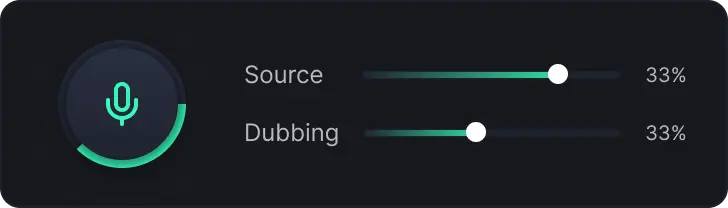
Every browser-based translation tool has the same weak point: getting at the audio. Desktop meeting apps hide it behind system audio routing, which is why so many products resort to sending a bot into the meeting to listen from the inside.
Google Meet has no such problem. It is a web app, the audio is in the tab, and an extension in that tab can translate it directly. The result is fewer moving parts and less delay than any arrangement that involves a second machine joining your call.
For an overview across Zoom, Teams and Webex as well, see the live meeting translation page.
Yes. Meet's captions cover a limited set of language pairs on specific Workspace editions and are text only. AnyDub covers 70+ languages on any plan and can speak the translation aloud.
No. It is a Chrome extension you install yourself, not a Meet add-on.
No. Nothing is added to the participant list.
Yes. The translation follows the meeting tab, so presenting and breakout rooms are fine.
Yes. The mixer sets the source voice anywhere between muted and full volume.
Yes, with a monthly minute allowance. Paid plans add more minutes.
Install the extension, pick a language, and you are live.
Install on Chrome