
Need the best possible voice?
A batch pipeline with a full file will beat live synthesis every time.
 AnyDub
ElevenLabs is a voice company, and its dubbing reflects that: give it a finished file and it returns something that sounds excellent. AnyDub gives up that polish to translate audio while it is still playing.
A batch pipeline with a full file will beat live synthesis every time.
Live translation is the only option, and it accepts a quality trade to get there.
Most people do, at different moments. They are not substitutes.
Having the entire recording before generating anything lets a system pick consistent voices, clone a speaker, pace the delivery against the original, and be corrected before release. ElevenLabs uses that window well and the results sound like it.
Live translation never gets that window. It hears a phrase, decides, and speaks, with no opportunity to revise. Pretending that costs nothing would be dishonest.
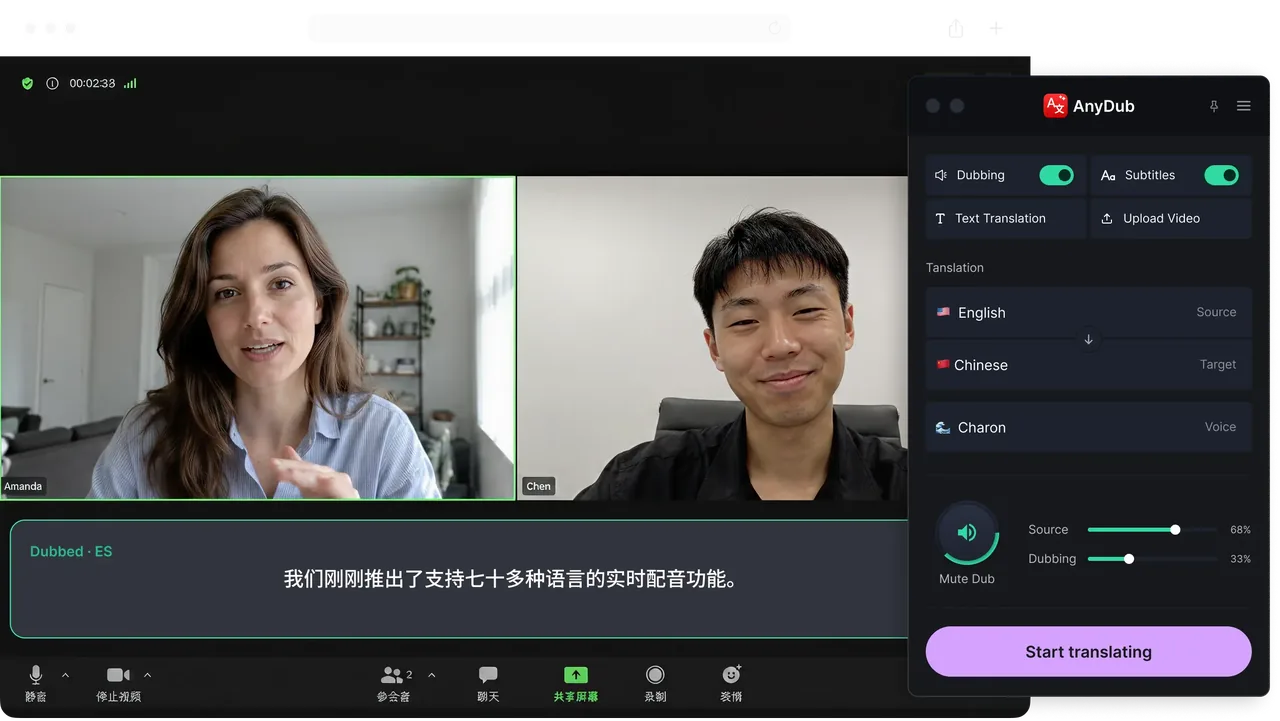
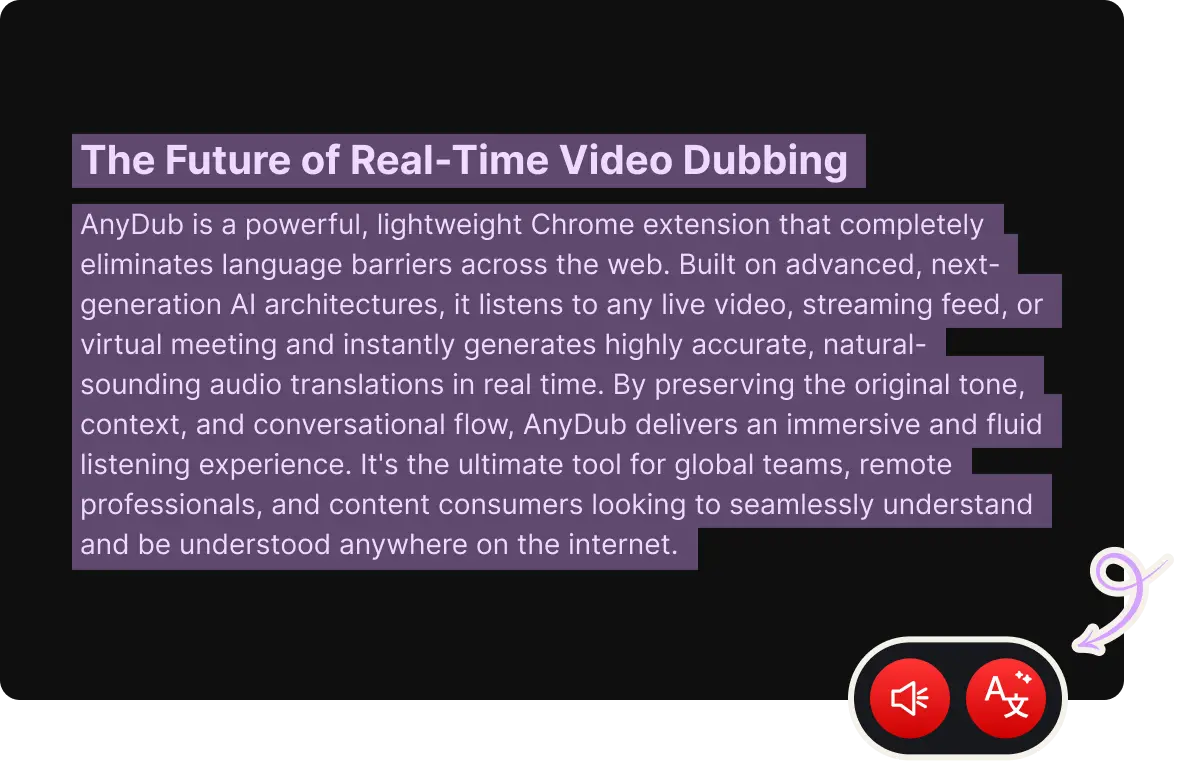
Install on ChromeIn exchange, AnyDub works on audio that has no file: a live stream, a meeting, a video on someone else's platform, a broadcast happening now. There is nothing to upload, nothing to wait for, and nothing to store.
For comprehension that trade is usually the right one. Understanding a lecture today at slightly lower audio polish beats understanding it beautifully next week.
Install on ChromeVoice quality only matters when you are listening to the translation. AnyDub can also show translated subtitles inside the player with the original audio at full volume, and in that mode synthesis quality is not part of the comparison at all.
Many people run exactly that way: original voice, translated text, mixer set to taste.
Install on Chrome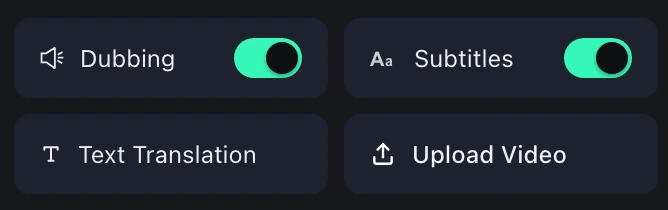
For anything where the voice is the product, use a batch tool. Podcasts, narration, audiobooks and marketing video all want a finished track that sounds right on the hundredth listen, and that means processing a complete file with review.
For anything where comprehension is the product, live translation wins by default, because the alternative is not a worse translation, it is no translation. There is no batch workflow for a meeting in progress.
The wider comparison, including tools built for volume localisation and the translated captions built into meeting platforms, is on the tools comparison page.
For live listening, yes. For producing a polished dubbed audio track from a finished recording, no, and it does not try to be.
No. Voice cloning needs the full recording in advance, which live translation does not have.
It is a real trade. Live synthesis decides with less context and cannot be revised. For comprehension it is usually more than good enough, and subtitle mode removes the question entirely.
Batch dubbing works from an uploaded file, so a live stream has nothing to submit. That is the gap live translation exists to fill.
Yes. Subtitles only, with the original audio at full volume, is a common setup.
AnyDub has a free tier with monthly translation minutes, so you can test the live side on your own content before deciding.
Install the extension, pick a language, and you are live.
Install on Chrome