
Add AnyDub to Chrome
Free install, and the first session needs no account.
 AnyDub
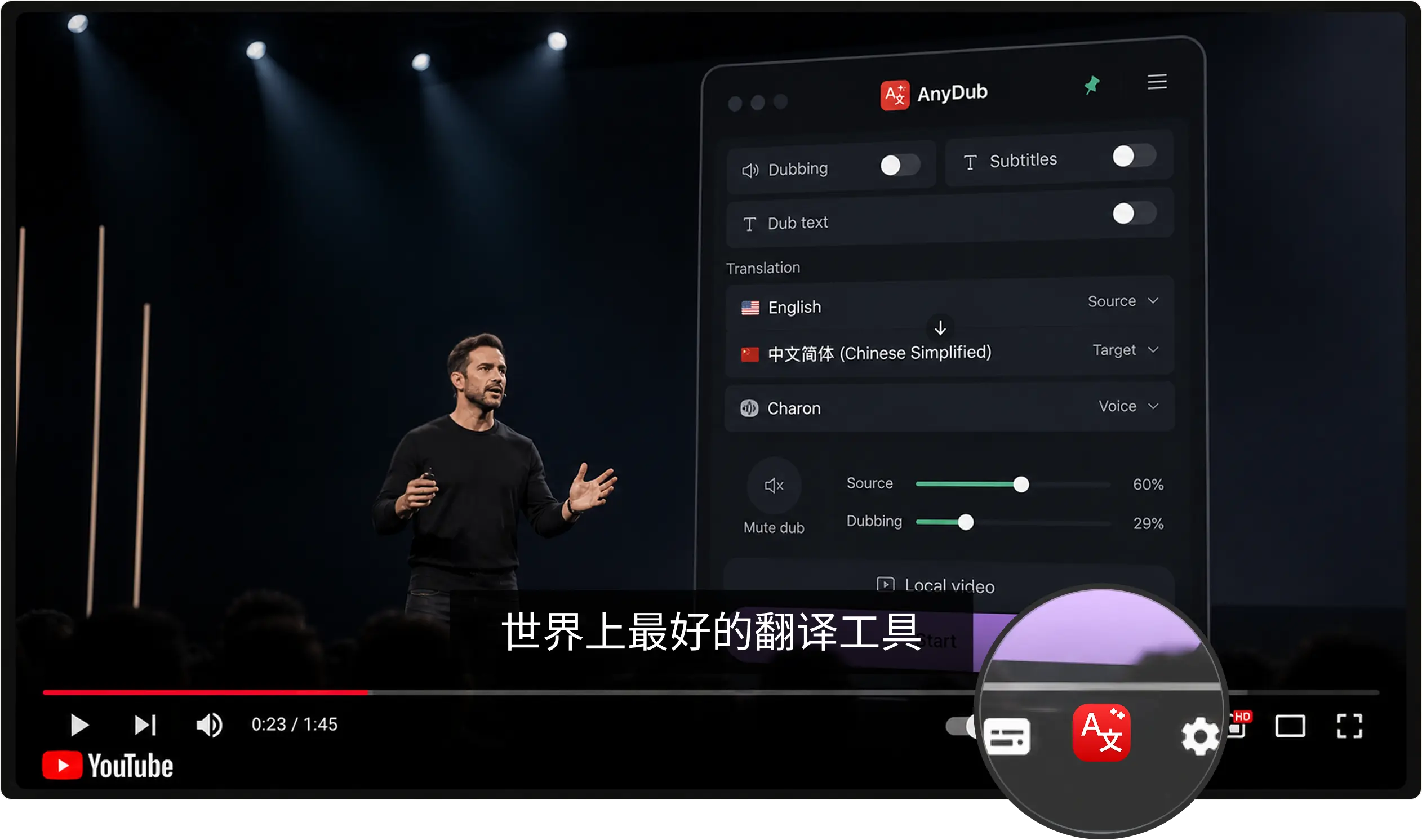
Mandarin or Cantonese in, English out, about a second later. AnyDub reads the audio directly, so it works on videos with no subtitle track and on live streams that were never captioned at all.
Free install, and the first session needs no account.
A platform video, an embedded player, a live stream, or a local file.
Then choose subtitles in the player, a spoken English track, or both.
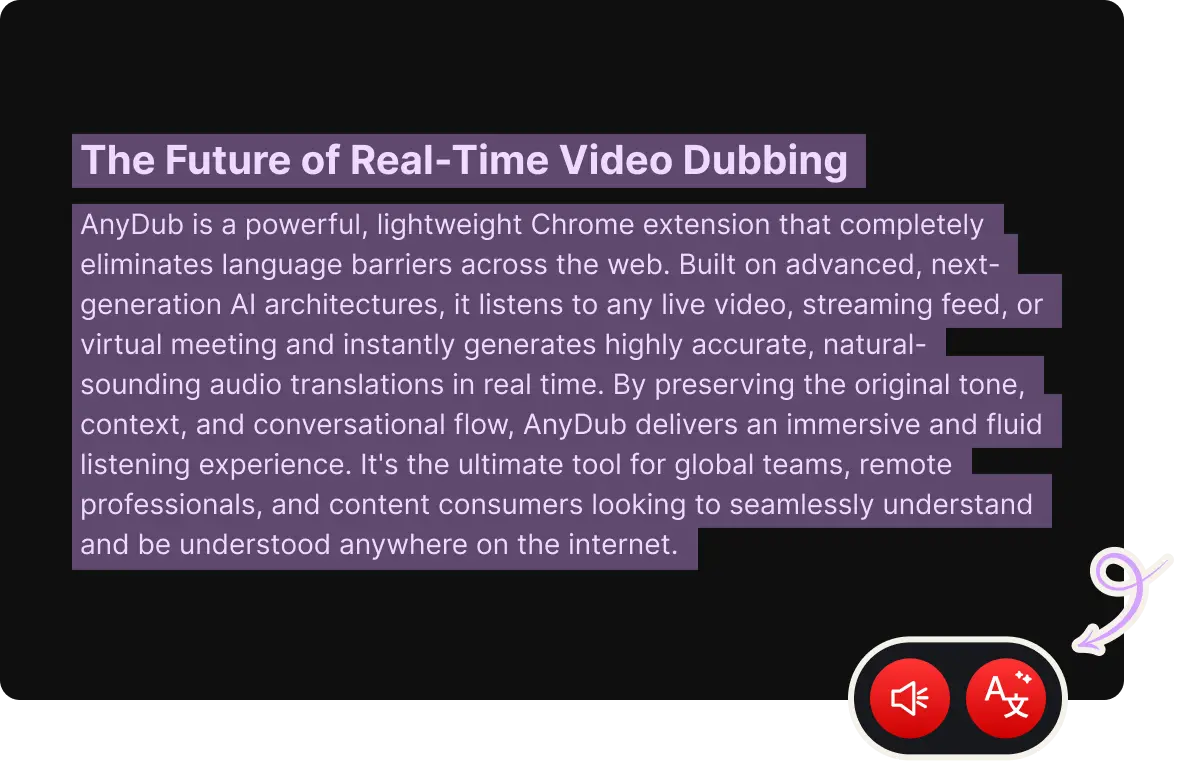
Tools that treat Chinese as one setting fall apart on Cantonese, because the spoken language is not Mandarin with a different accent. AnyDub translates from the sound, so a Cantonese broadcast, a Mandarin keynote, and a speaker who moves between them are each handled as what they are.
Hard-burned Chinese subtitles that no caption-based tool can touch are also a non-issue, because AnyDub never needed the subtitle track.
Install on ChromeLive systems commit early and then correct themselves as more of a sentence arrives. That is why a company name or a technical term can visibly settle a moment after it appears. AnyDub waits for enough of the phrase to make that correction rare rather than constant, which is the trade you want on dense material.
Install on ChromeTone carries meaning in Chinese in a way a translated voice track cannot reproduce. The mixer lets you keep the original underneath at any level, which is also the setting most learners end up on.
Install on Chrome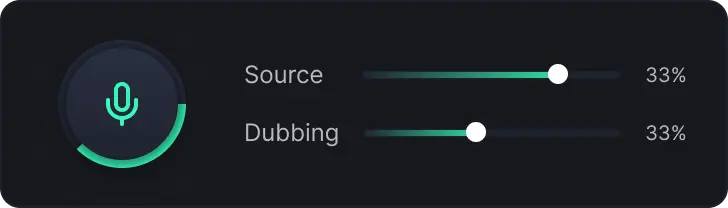
Chinese technology and manufacturing coverage runs years ahead of its English translation, when a translation appears at all. Product teardowns, factory tours, conference talks and earnings commentary are posted in Mandarin and mostly stay there. Live dubbing is the only practical way for an English speaker to watch that material the week it is published.
Cantonese media is a separate problem again. Hong Kong broadcast and film archives are poorly served by English subtitling, and the caption files that exist are often Mandarin transcripts rather than translations of what was said.
For meetings with teams in China, the same engine runs on live calls, and the more useful arrangement is usually two-way translation where nobody has to work in a second language.
Yes, and it treats them as distinct spoken languages rather than one Chinese setting, because it translates the audio rather than a transcript.
Yes. Burned-in subtitles are just pixels and AnyDub does not need them. It listens to the speech.
Yes. Turn on dubbing for a spoken English track, or run both subtitles and dubbing together.
Yes. Live streams are the case it is built for, since there is no finished file to process.
Yes. Choose Chinese as the output language and the direction reverses.
Yes. Paid plans only change how many translation minutes you get per month.
Install the extension, pick a language, and you are live.
Install on Chrome